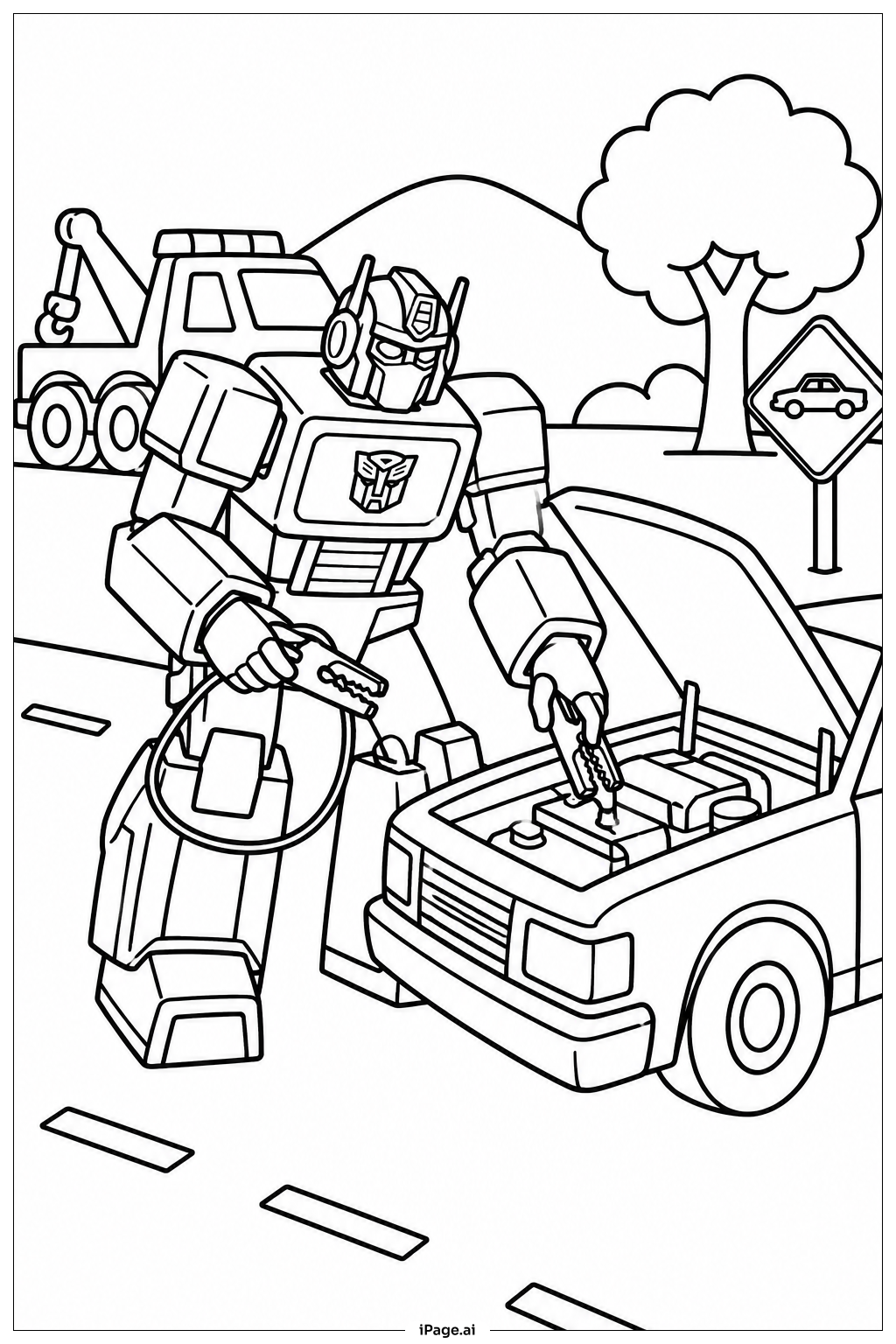
Coloring tips: How to color Transformers Rescue Scene coloring page well?
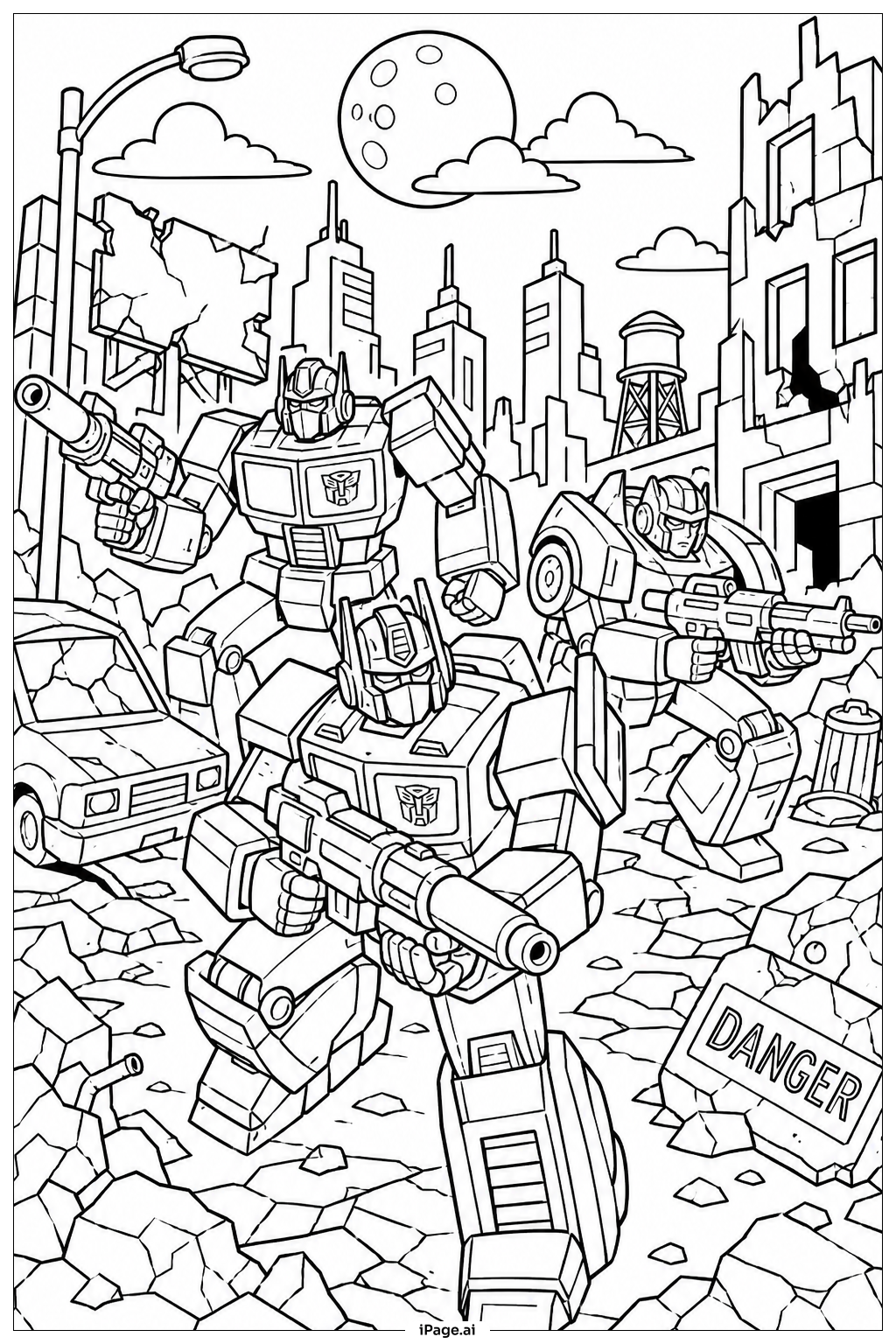
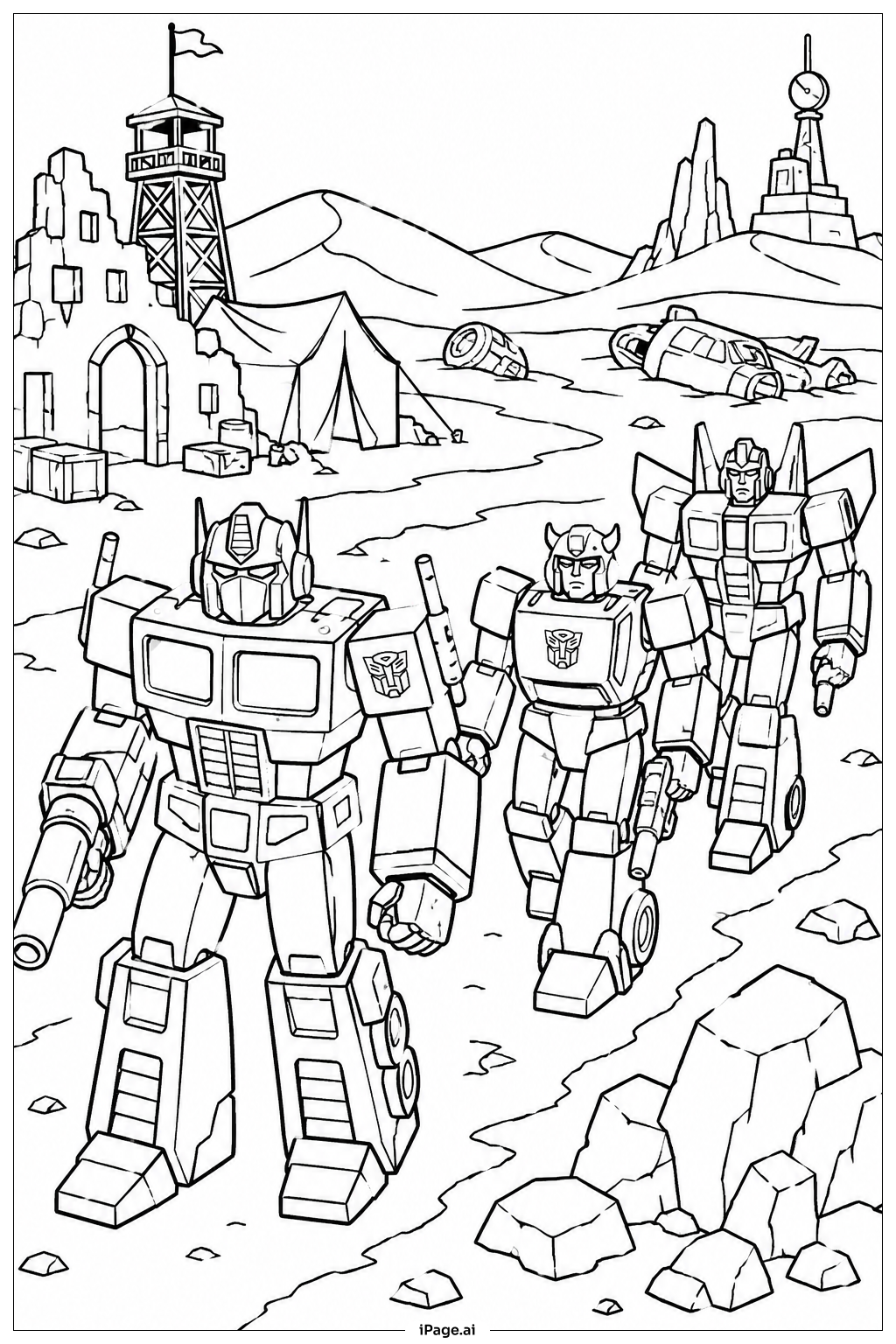
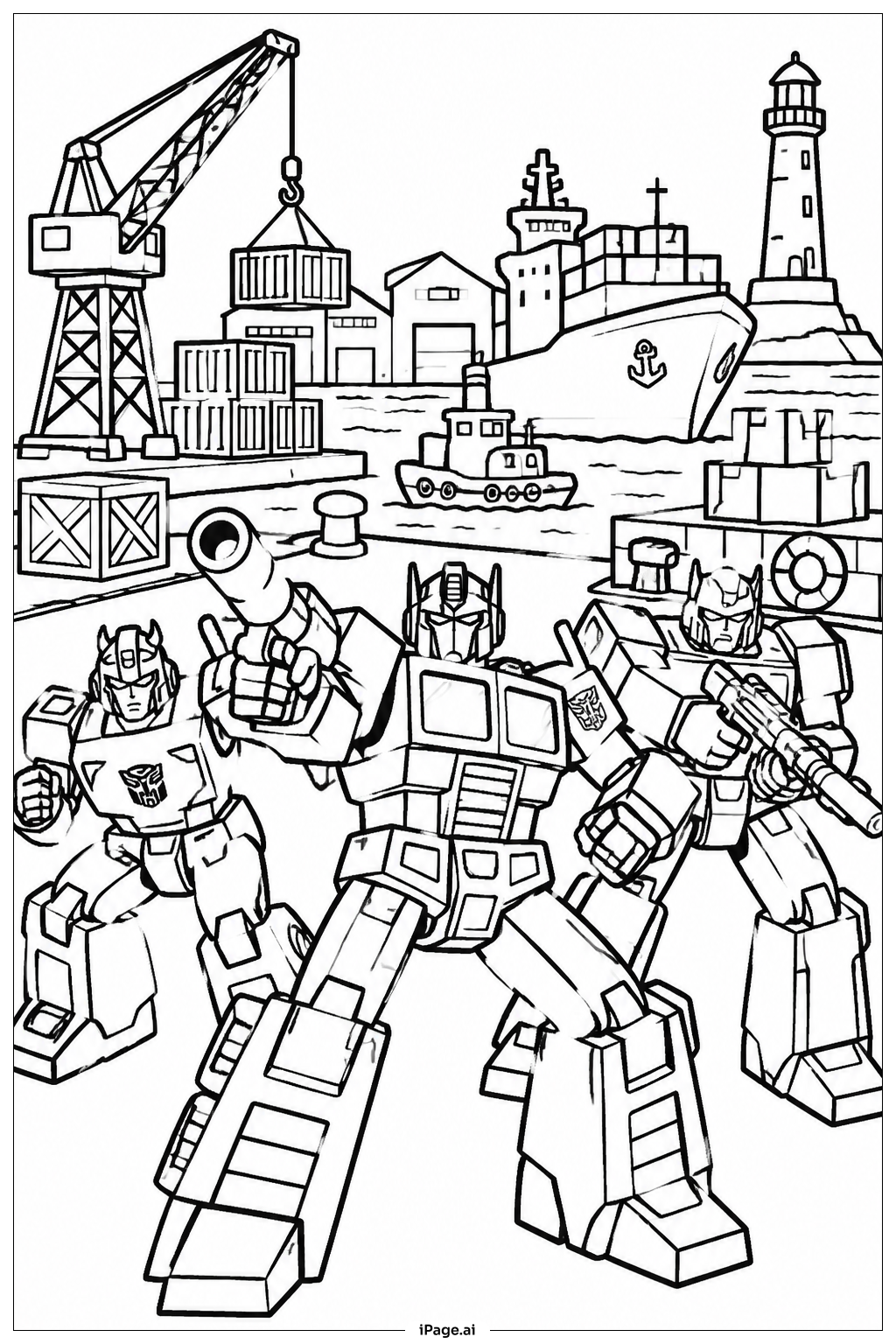
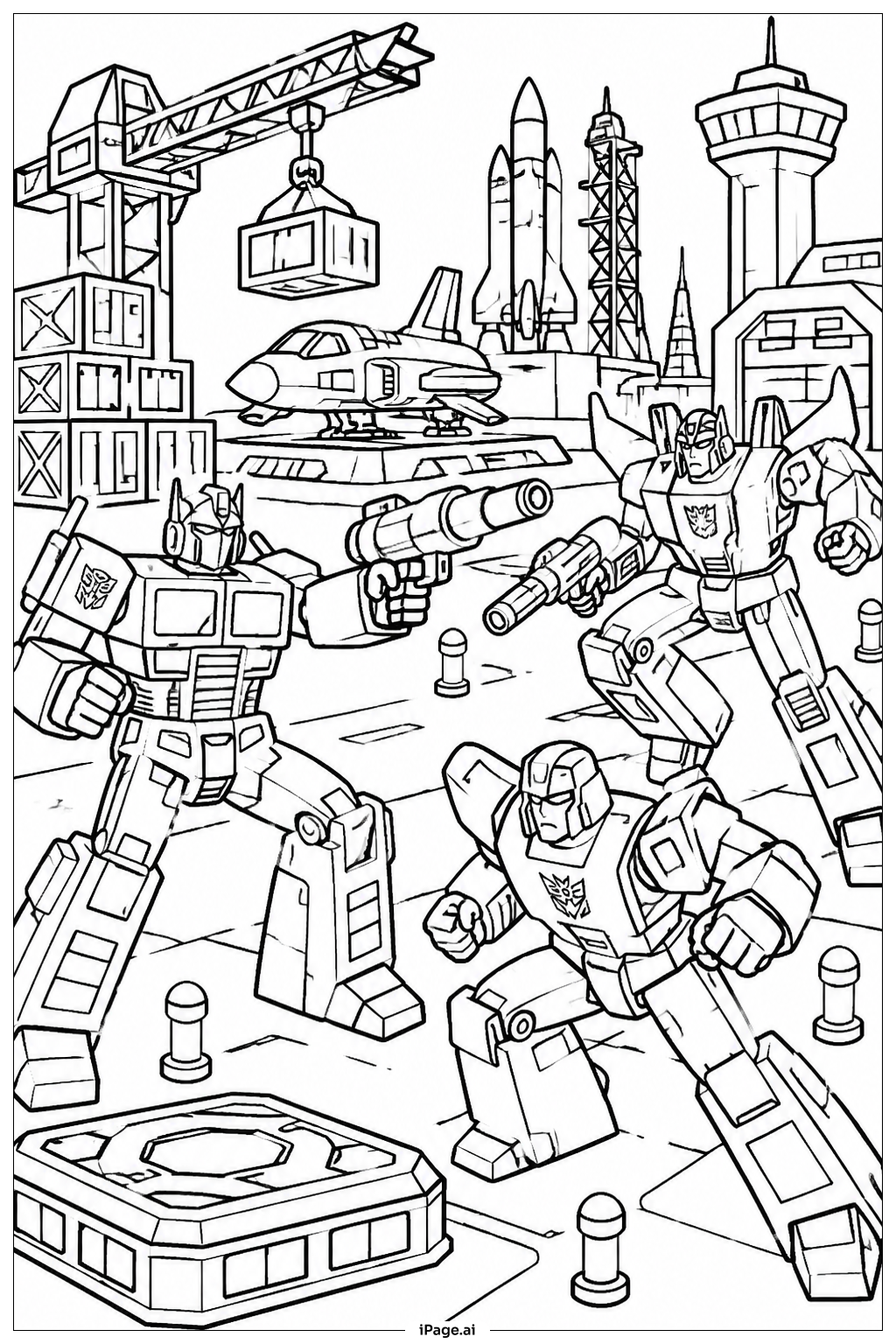
Start with the large Autobot hero at the center. Use classic Autobot colors like red, blue, and silver for the main body. Add yellow or orange accents for energy highlights and glowing eyes. Color the flames and energy blasts in bright oranges, reds, and yellows to make them pop. Use gray and dark brown tones for the debris, damaged buildings, and ground. For background elements, try deep blues and purples to create a dramatic sky. Metallic shades like silver and steel blue work great on armor plates and mechanical parts. Don't forget to add shading by pressing lighter and darker versions of each color. This helps the robot look three-dimensional and powerful. Use bright greens or whites for any glowing tech details. Have fun mixing colors to make your scene feel alive and full of energy!
Coloring challenges: Which parts are difficult to color and need attention for Transformers Rescue Scene coloring page?
• Mechanical Body Details: The Autobot's body is covered in complex panels, bolts, vents, and layered armor. Each section has its own shape and depth. Staying inside the small lines and matching colors across each panel takes patience and a steady hand. Younger colorists may find this part tricky.
• Flame and Energy Effects: The fire and energy blasts in the background involve overlapping shapes that blend from one color to another. Creating a smooth gradient from red to orange to yellow is challenging. Using colored pencils or markers carefully and layering colors slowly will help achieve a realistic glow effect.
• Background Depth and Detail: The scene includes buildings, smoke, and flying debris all happening at once. Deciding which colors to use for the background without overwhelming the main figure can be difficult. Lighter and cooler tones in the back help push the main robot forward visually.
• Small Mechanical Accents: Tiny gears, wires, and tech details scattered across the image are very small and easy to color over. Using a fine-tip marker or sharpened colored pencil is important for these areas. Missing these small pieces can make the image look less detailed and finished.
• Balancing Light and Shadow: The scene has strong action lighting from the flames and energy sources. Choosing where to add shadows and highlights so the entire image feels balanced and dramatic is a real artistic challenge. Adding darker shades along edges and lighter tones near light sources brings the whole scene to life.
Benefits of coloring books: Advantages of drawing Transformers Rescue Scene coloring page
Coloring this Transformers rescue scene is a fantastic activity for kids and fans of all ages. It helps build focus and concentration as colorists work through the many detailed sections of the image. Choosing colors for robots, flames, and backgrounds encourages creative thinking and decision-making skills. Fine motor skills improve as kids carefully color inside the small mechanical lines and intricate details. This kind of careful work also strengthens hand-eye coordination and pencil control. The exciting theme keeps children engaged longer, which builds patience and persistence. Coloring a heroic rescue scene can also spark imaginative storytelling as kids think about what the Transformers are doing and why. It is a screen-free activity that offers a calm, focused break from busy routines. Sharing the finished page with family or friends builds confidence and a sense of pride in creative work. Overall, this coloring page combines fun, learning, and creativity in one action-packed image that any Transformers fan will enjoy.