Instantly Colorize Drawing Any Coloring Page
Bring your black-and-white sketches to life in seconds. Our AI Line Art Colorization tool lets you turn any drawing or coloring page into a vibrant, polished illustration with just a click—no art skills required, just pure Colorize Drawing magic.
What is Colorize Drawing?
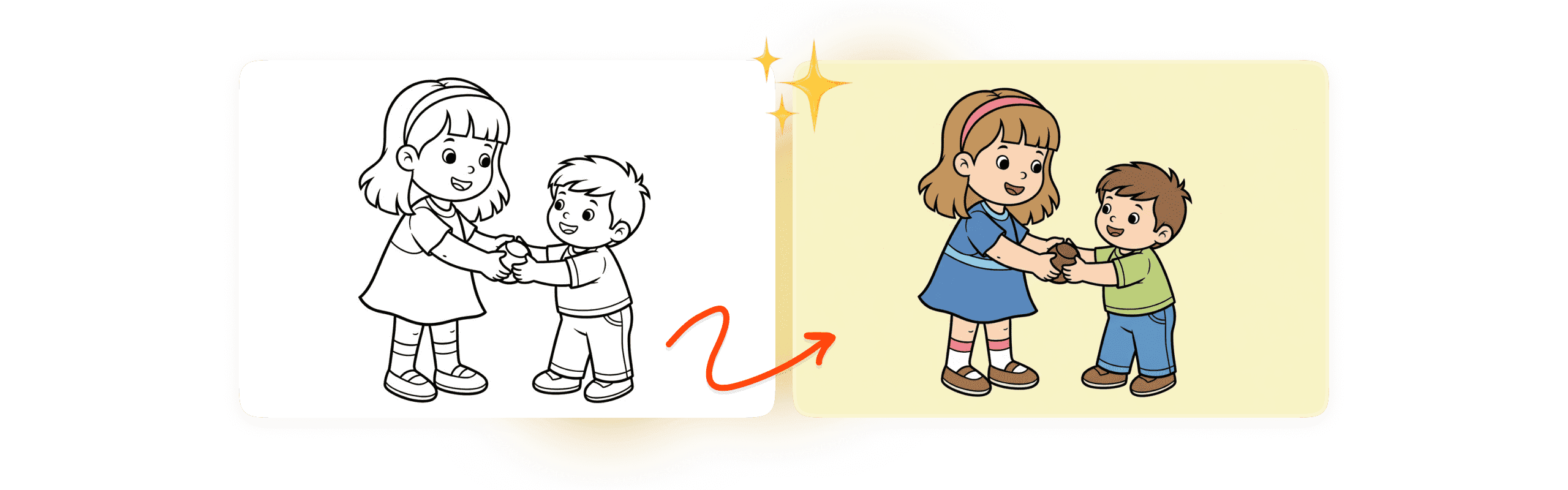
'Colorize Drawing' is an advanced AI tool built specifically for Line Art Colorization, turning your monochrome sketches into vivid, fully colored artwork. It solves a common problem for creators: manual coloring takes a lot of time, and picking a balanced color palette isn’t always easy.
Colorize Your Sketch, Unlock Endless Styles
Our AI line art colorization tool does much more than fill areas with color. It lets you shape the final look of your artwork. Choose flat, marker, or other style options and keep full creative control. Explore the styles below to see how a single piece of line art can be transformed into many distinct versions.
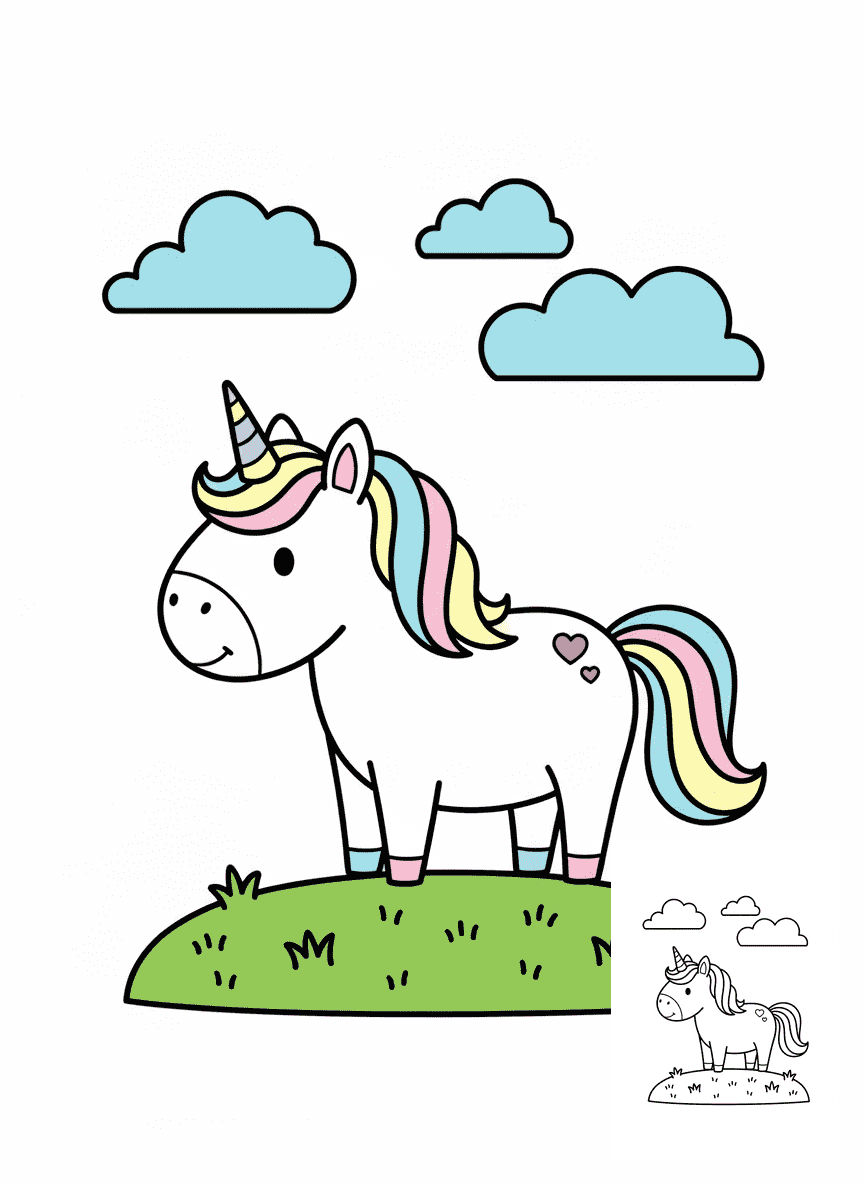
Flat Coloring Colorize Drawing
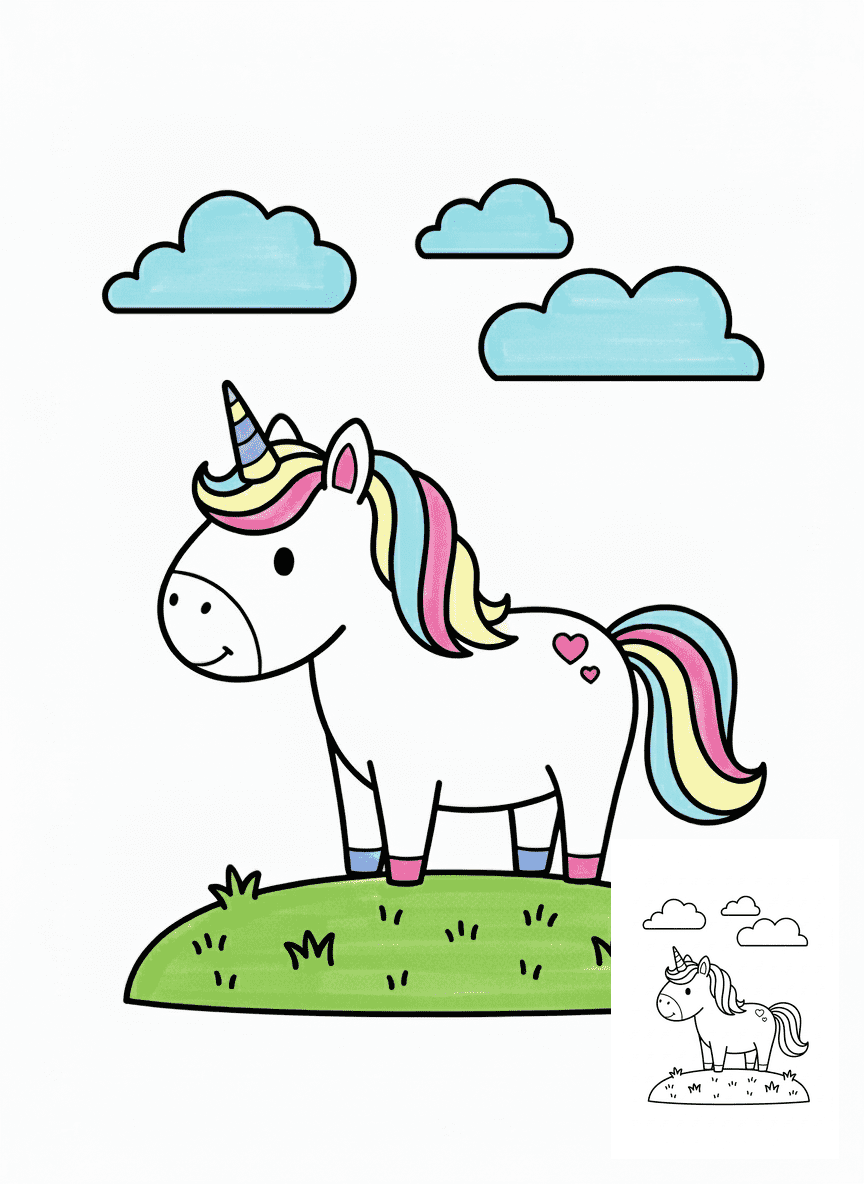
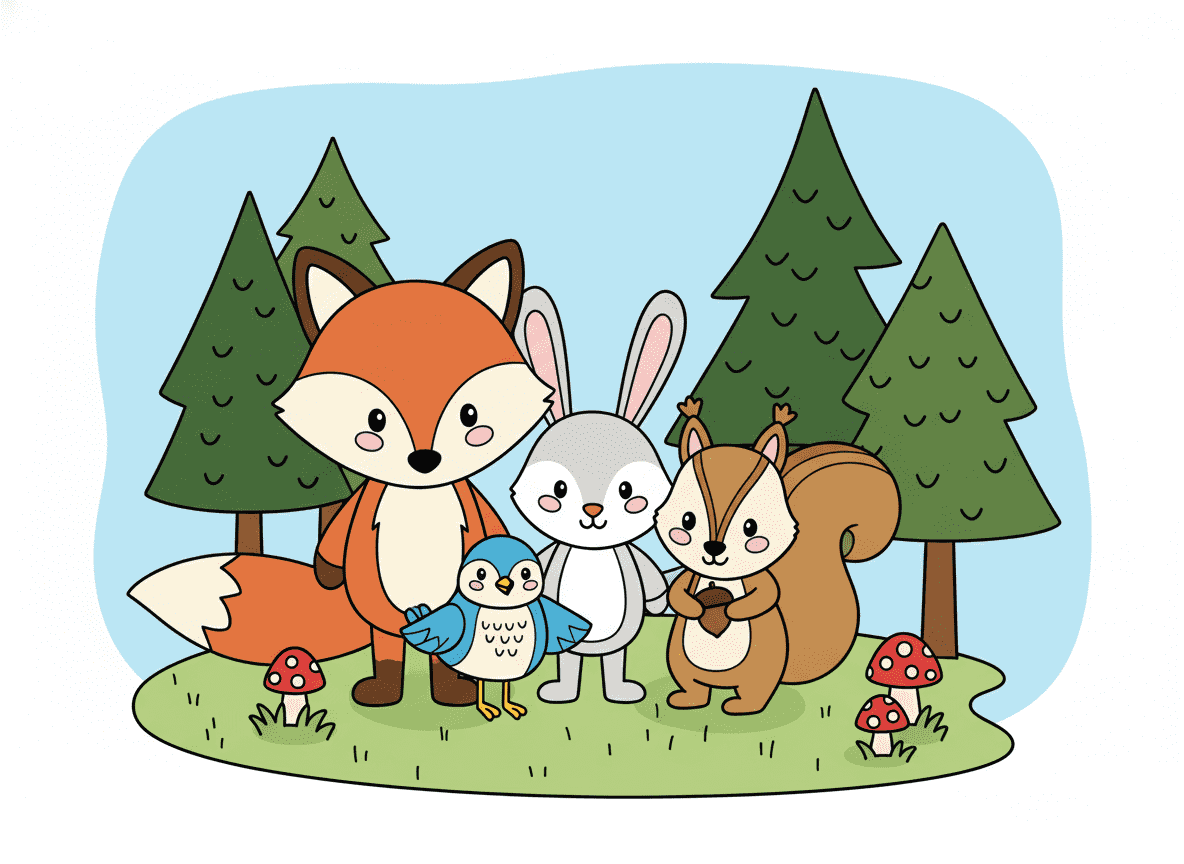
This Colorize Drawing style fills your line art with flat, solid colors, creating a clean, sharp look perfect for cartoons and simple illustrations.
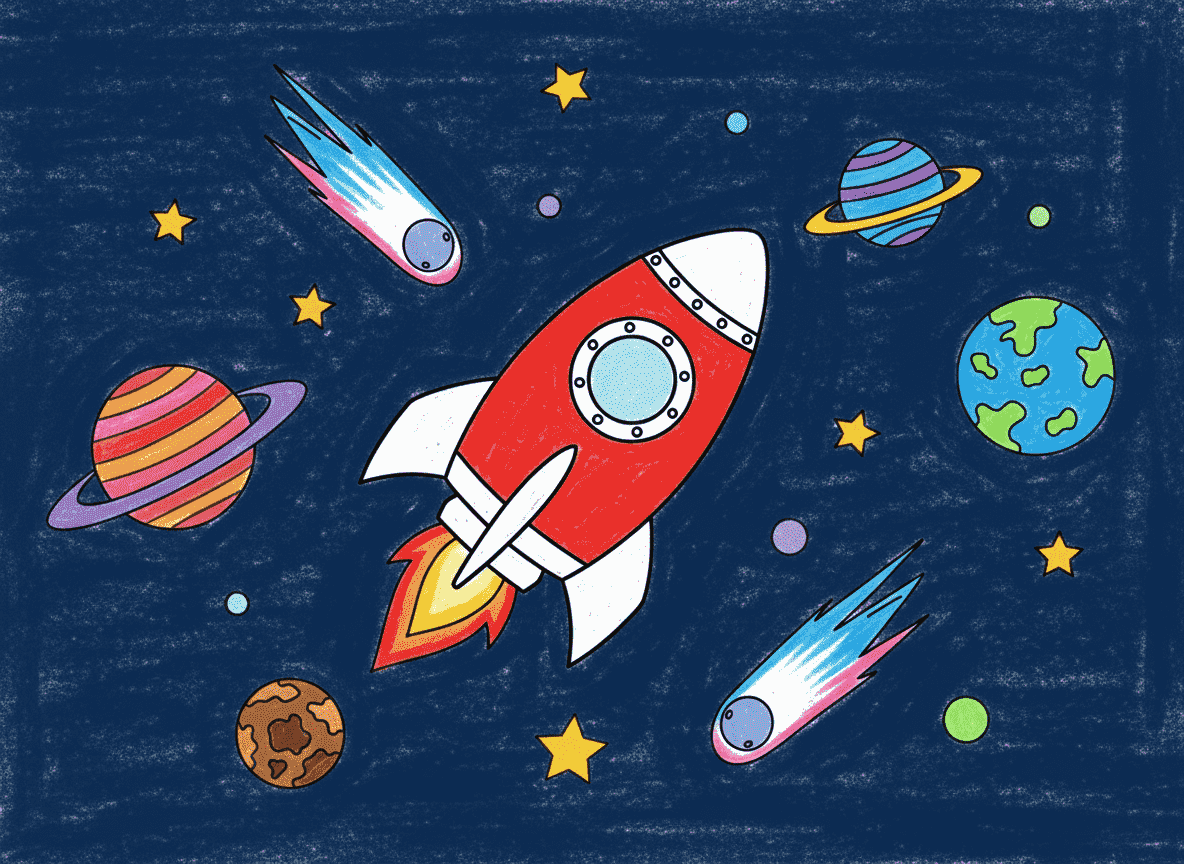
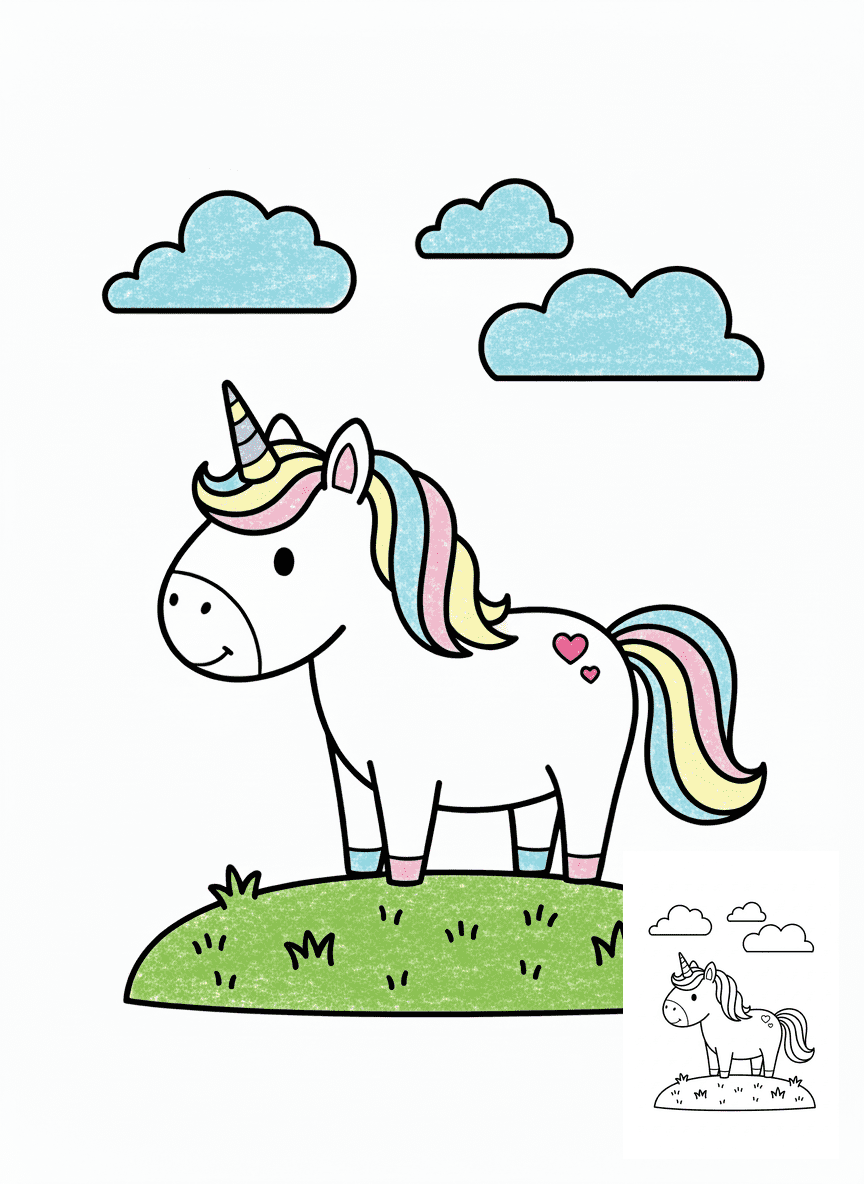
Crayon Colorize Drawing
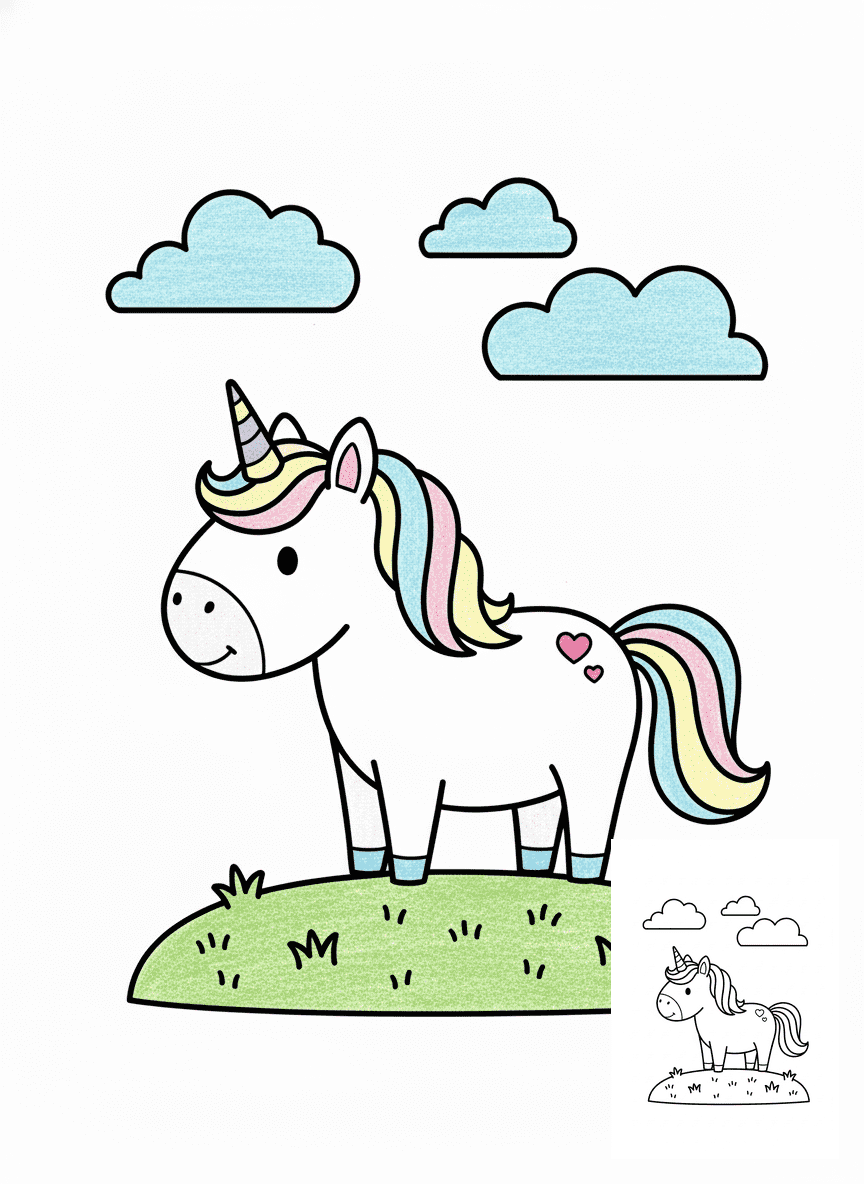
Crayon Colorize Drawing adds waxy, textured strokes that mimic real crayons, giving your artwork a playful, hand-drawn feel.
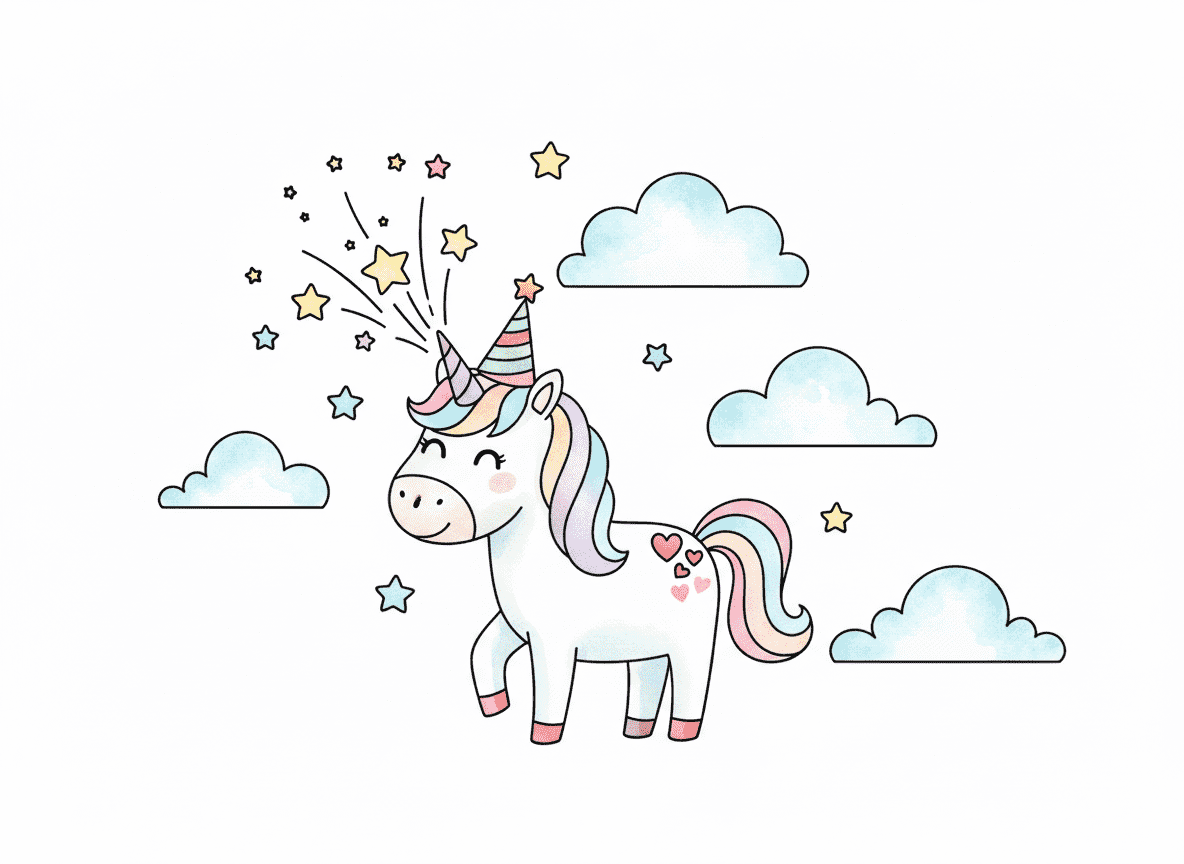
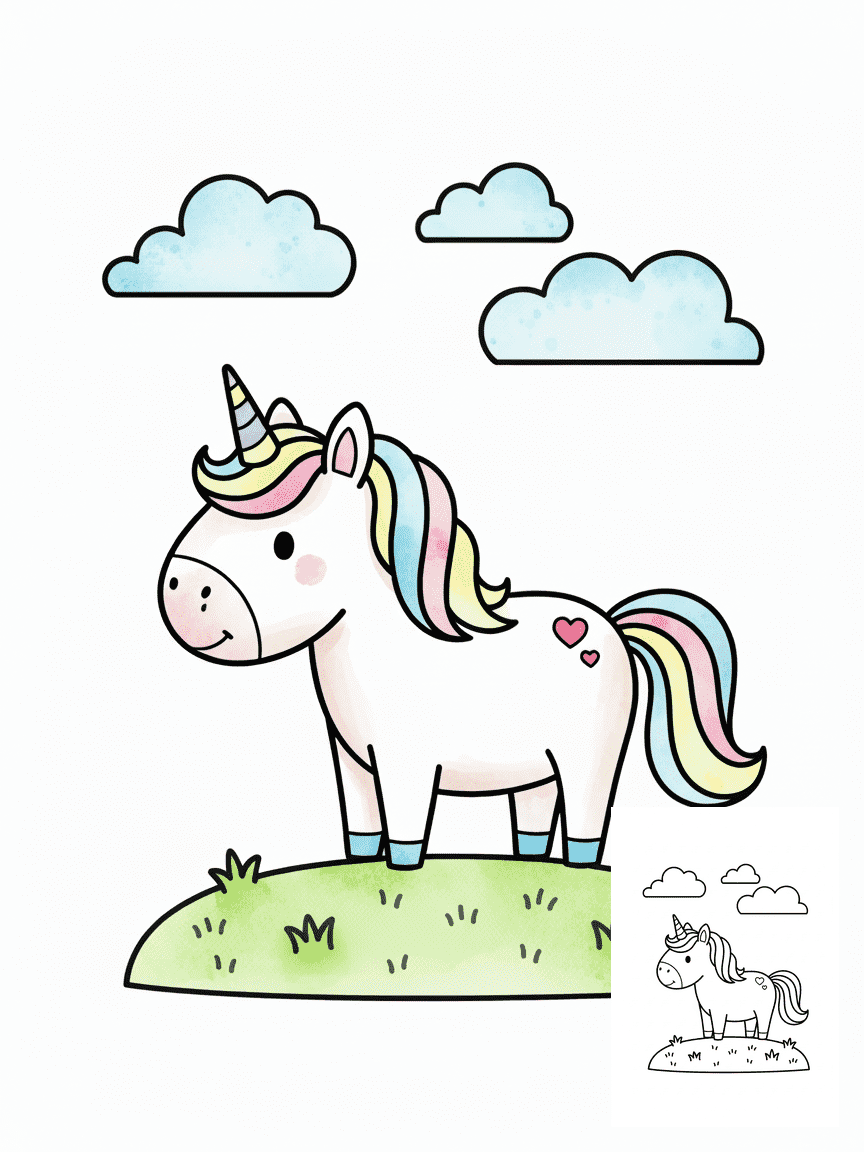
Water Color Colorize Drawing
Water Color Colorize Drawing uses soft, translucent washes so colors gently blend together, ideal for dreamy landscapes and floral pieces.
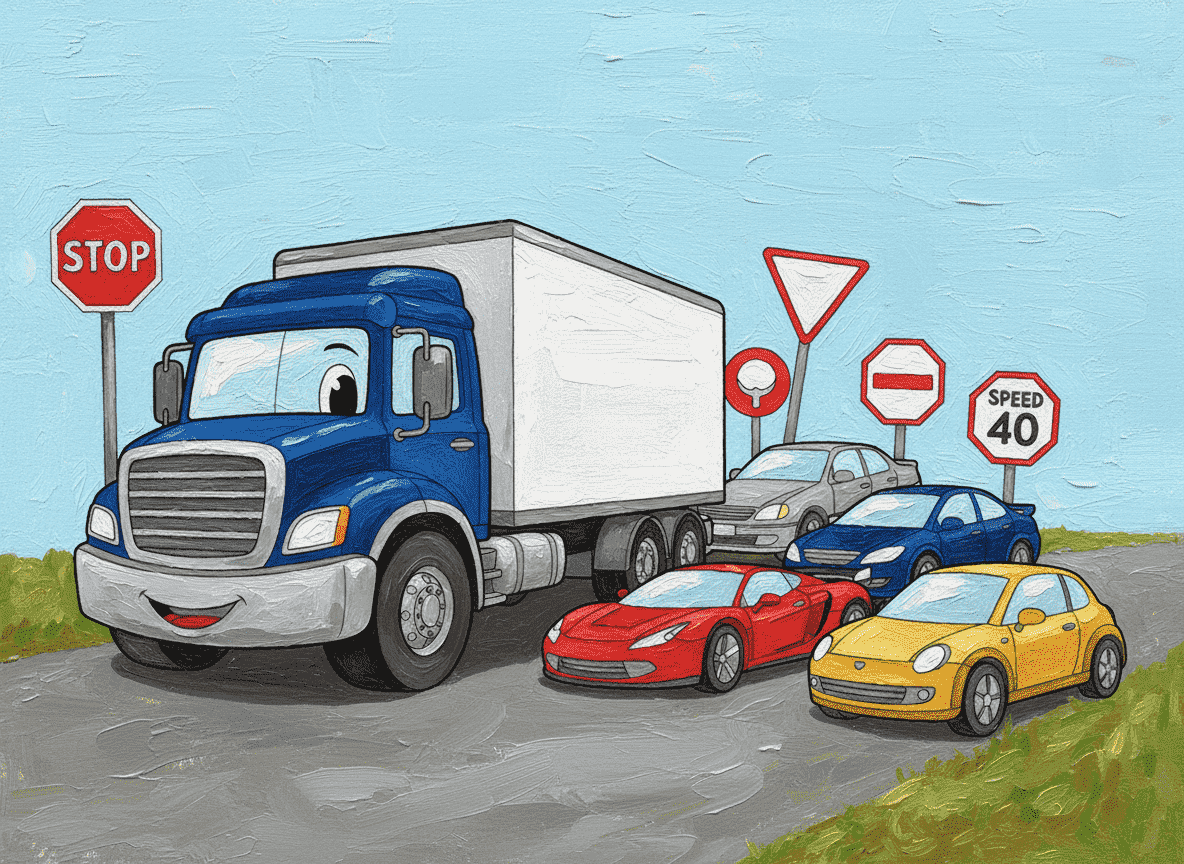
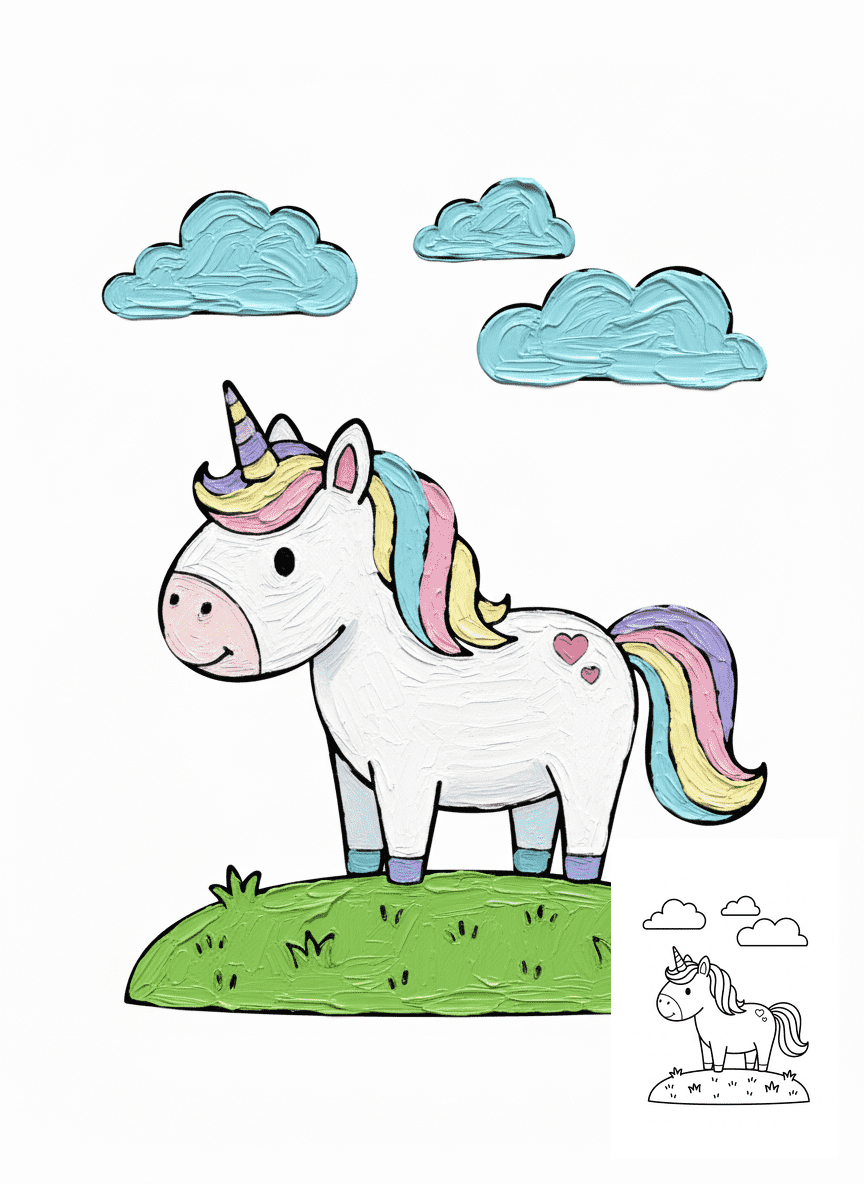
Impasto Colorize Drawing
Impasto Colorize Drawing applies thick, expressive brushstrokes that add strong texture and depth, turning flat sketches into painterly art.
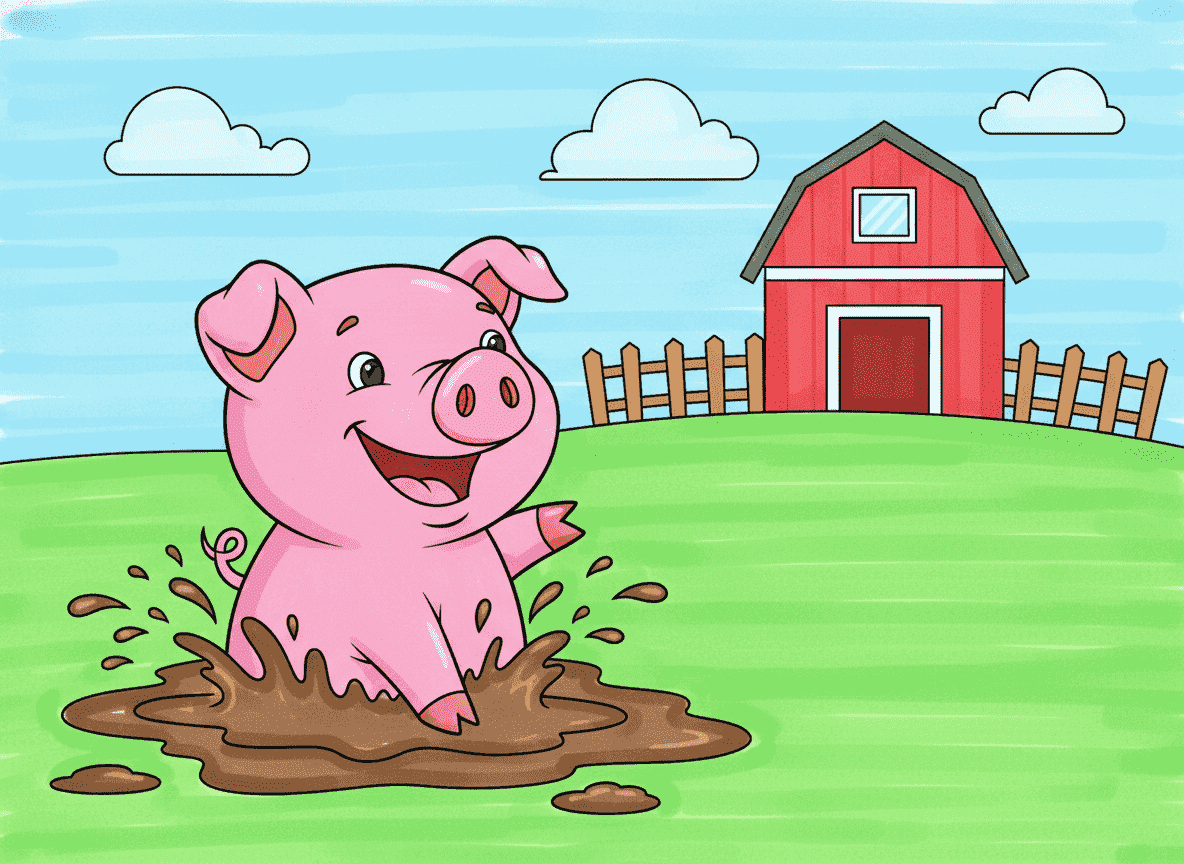
Marker Colorize Drawing
Marker Colorize Drawing delivers bright, bold colors with visible streaks, perfect for dynamic posters, product concepts, and comics.

Colored Pencils Colorize Drawing
Colored Pencils Colorize Drawing builds up layered strokes and soft shading, making it great for detailed illustrations and portraits.
How it works
From Line Art to full color in 3 Simple Steps
Upload Your Line Art
Drag and drop or upload your drawing. Colorize Drawing Tool supports JPG and PNG line art, from clean digital sketches to scanned pencil drawings.
Confirm Preferences
Pick one of our styles to guide the Line Art Colorization Tool. This tells it how your final colored artwork should look.
Generate & Download Your Colored Art
Click once and let Colorize Drawing Tool create a high-resolution, fully colored version of your line art, ready to download, share, or use in projects—no watermarks.


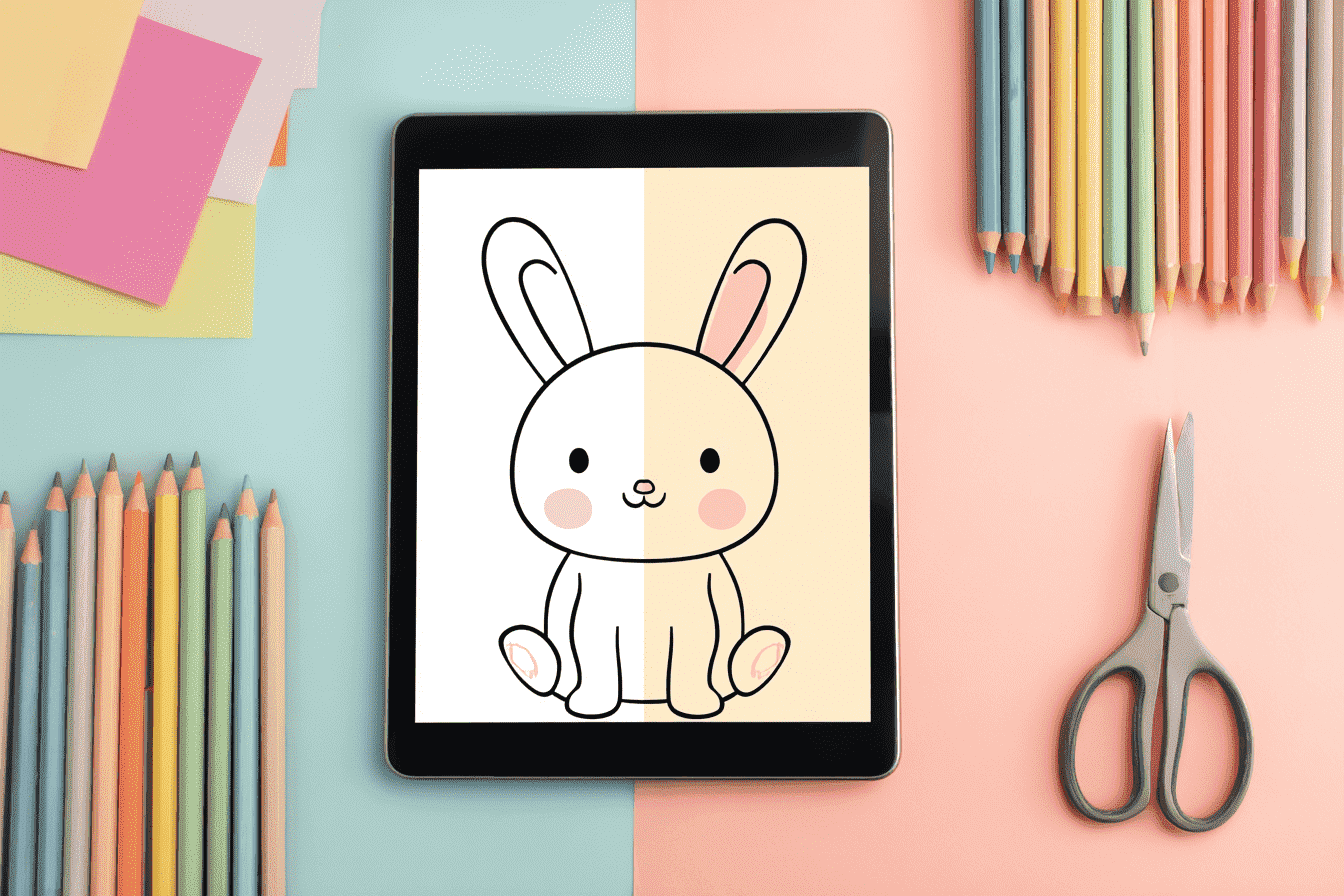
Color Your Art in One Click
Upload your line art and let our Colorize Drawing tool handle the rest. In just seconds, the AI colorize drawing engine fills your sketch with polished, harmonious colors while keeping every line crisp. It’s the fastest way to transform simple line art into finished artwork.
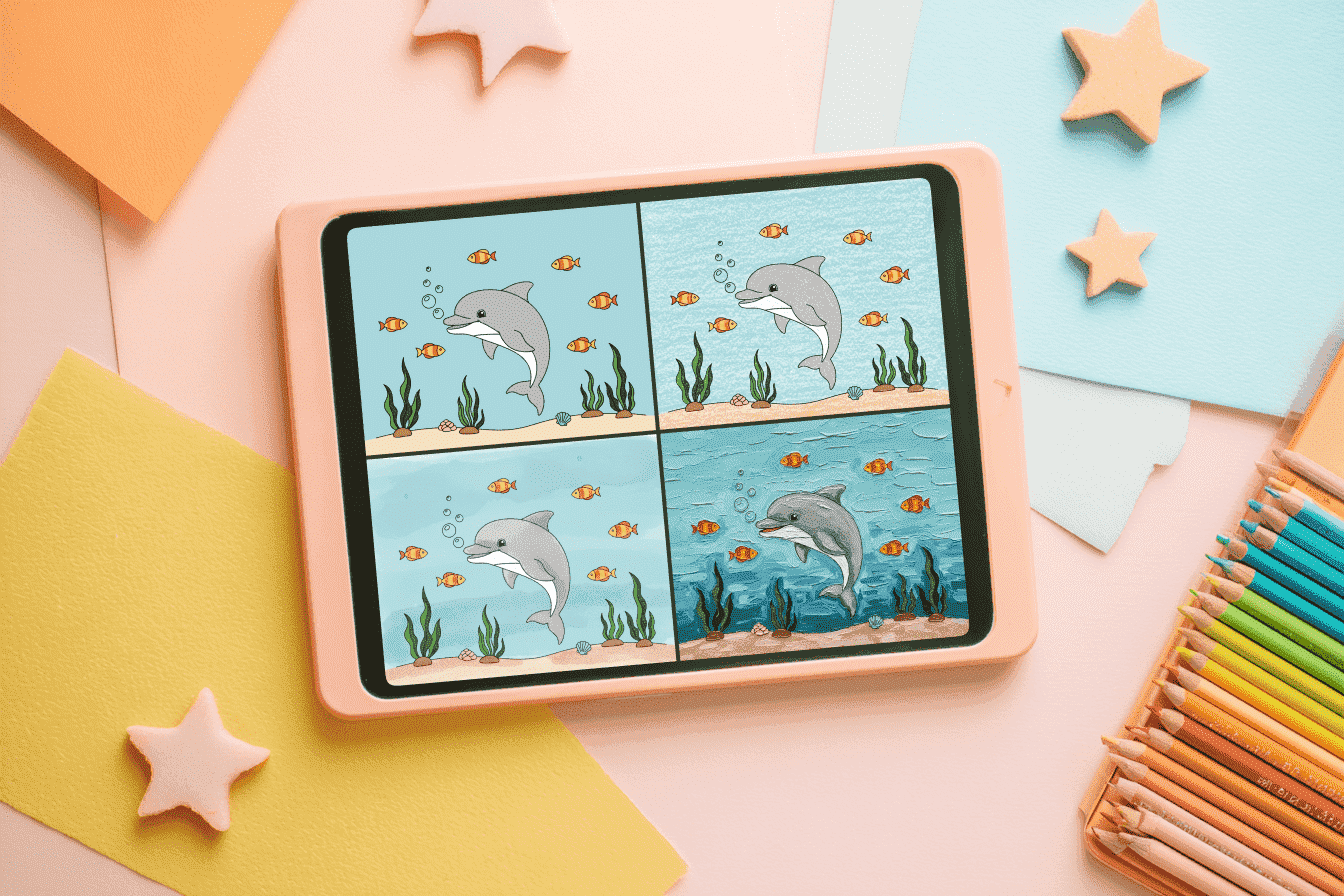
Diverse Library of Art Styles
Our line art colorization tool offers a wide range of styles, from clean flat coloring for cartoons to soft watercolor finishes for polished illustrations. Easily generate images for AI coloring pages or add professional painterly effects to your concepts—your style, your choice.
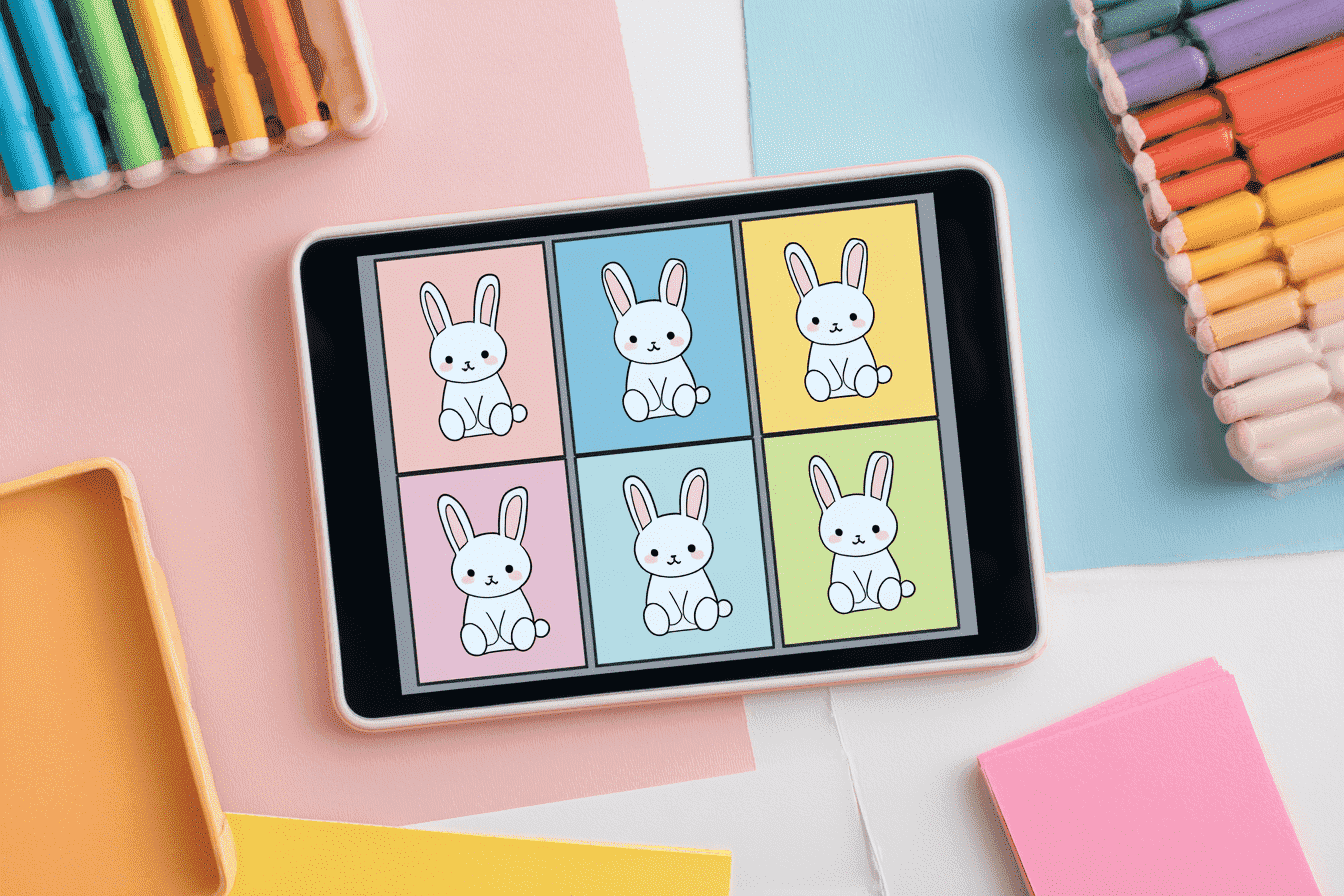
Discover the Best Fit
With the help of our Colorizer Drawing Tool, each sketch comes with several unique color interpretations. You can preview them all at a glance, compare the styles side-by-side, and choose the version that perfectly matches your creative vision.
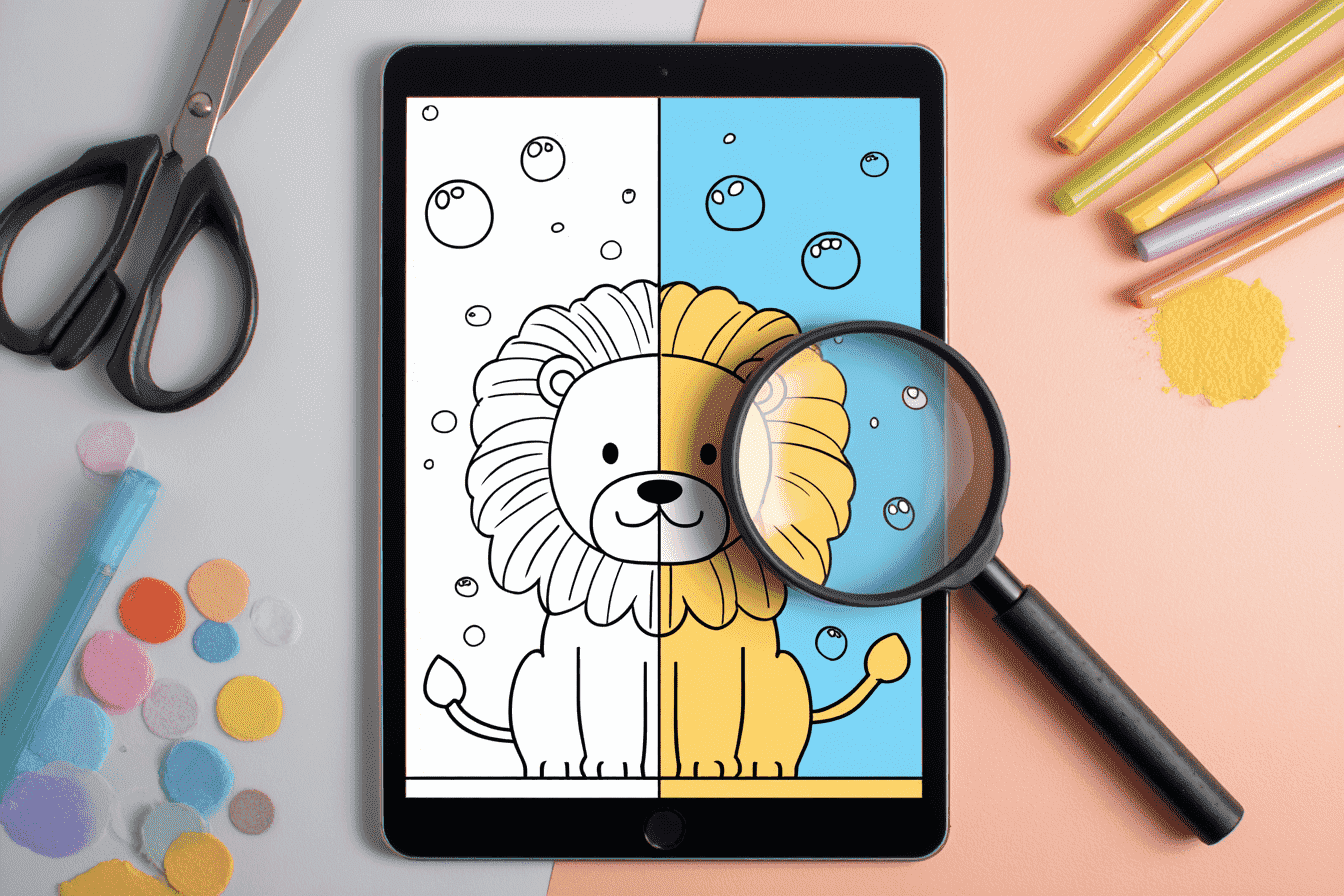
Upscale and Enhance Image Quality
Give your sketches a fresh upgrade. With the Colorize Drawing engine, you can do more than add color — the tool intelligently upscales your artwork, sharpens soft or faded lines, and restores missing texture and detail. Even an old scan can be transformed into a crisp, high-definition ai colorize drawing that’s ready for printing or sharing online.
What our Users Said
Trusted by creators who use Colorize Drawing to turn simple sketches into polished artwork with ease.
" Colorize Drawing Tool has completely changed how I prepare illustrations for my KDP books. The ai colorize drawing results are clean, vibrant, and so consistent that I can finalize pages in minutes. It saves me hours every single week. "

" As a children’s illustrator, I rely on Colorize Drawing Tool to test color styles quickly. The tool’s ai colorize drawing previews let me compare different moods instantly, making my workflow much faster and more creative. "

" Colorize Drawing Tool helps me turn rough client sketches into polished concepts within minutes. The ai colorize drawing engine sharpens lines, enhances details, and gives my work a professional finish every time. "


You ask? We Anwser
What is Colorize Drawing Tool and how does it work?
Colorize Drawing Tool is an AI-powered tool that transforms your line art into clean, vibrant color versions. The engine analyzes your sketch, understands shapes and lines, and produces multiple ai colorize drawing variations that you can preview and choose from.
Can Colorize Drawing Tool improve low-resolution or blurry sketches?
Yes. Colorize Drawing Tool includes intelligent enhancement features that can sharpen soft lines, add missing texture, and upscale your artwork. Even older scans can be turned into a high-quality art ready for printing.
Does Colorize Drawing Tool support different coloring styles?
Absolutely. The Colorize Drawing Tool provides multiple color interpretations for each sketch—flat colors, marker-style rendering, and more. You can compare these style options side-by-side and pick the one that best matches your creative vision.
What file types can I upload to Colorize Drawing?
You can upload most common image formats, including JPG, PNG, and scanned line drawings. As long as the sketch lines are visible, Colorize Drawing can generate a clean and accurate ai colorize drawing result.
Is Colorize Drawing suitable for beginners?
Yes! Colorize Drawing is designed to be simple and beginner-friendly. You just upload your sketch, wait a few seconds, and the tool creates line art automatically—no design or painting experience required.
Start Creating Colorful Artwork from Your Sketches
Transform any sketch into vibrant, colored artwork in seconds. Our free online tool makes it easy to colorize drawing projects instantly without downloads or accounts.