Coloring tips: How to color Prototype Pocket Gadget coloring page well?
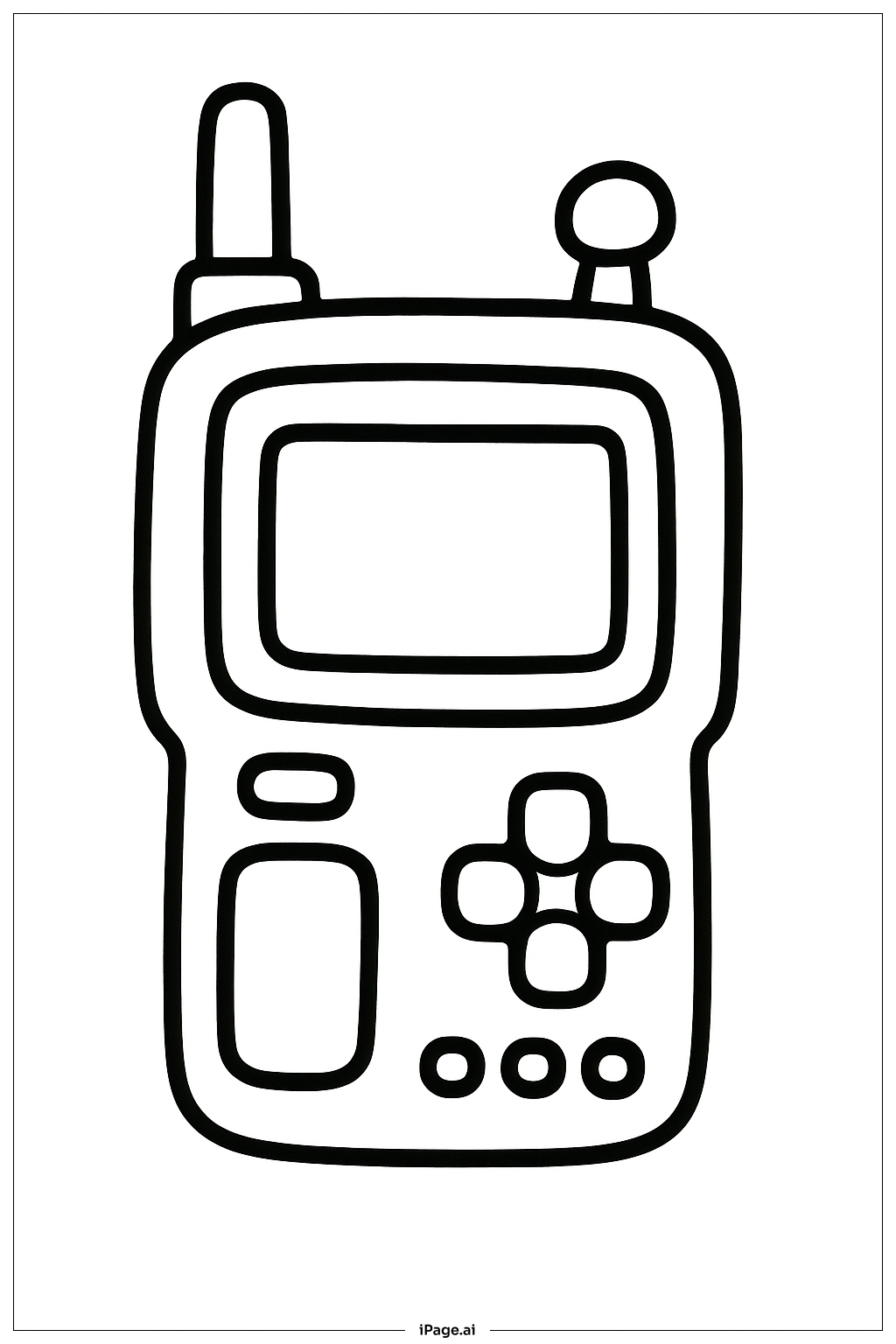
Use bright and fun colors to make the gadget look exciting. Color the screen light blue or green to show it is on. The antennas can be gray or silver, and the buttons can be red, yellow, or blue to stand out. Use a different color for each button to make them easy to see. The body of the gadget can be any color you like, such as black, white, or even bright colors like orange or purple to give it a cool look. Try using markers or colored pencils for neat and vibrant coloring.
Coloring challenges: Which parts are difficult to color and need attention for Prototype Pocket Gadget coloring page?
1. Coloring inside the small buttons can be tricky because they are round and close together.
2. The antennas have small shapes that need careful coloring to avoid going outside the lines.
3. The screen area is large but has rounded corners that might need steady hand control.
4. Keeping the edges smooth on the gadget’s body while coloring might be hard for younger kids.
5. Choosing colors that look good together can be challenging but makes the gadget look more realistic and nice.
Benefits of coloring books: Advantages of drawing Prototype Pocket Gadget coloring page
Coloring this gadget helps kids practice fine motor skills by working on small shapes like buttons and antennas. It encourages creativity in choosing colors and imagining how the gadget works. The picture also helps with focus and patience, as coloring inside the lines can take time. Kids learn about technology and design while coloring, understanding that gadgets have parts that work together. Overall, it’s a fun way to improve hand-eye coordination and explore ideas about new inventions.