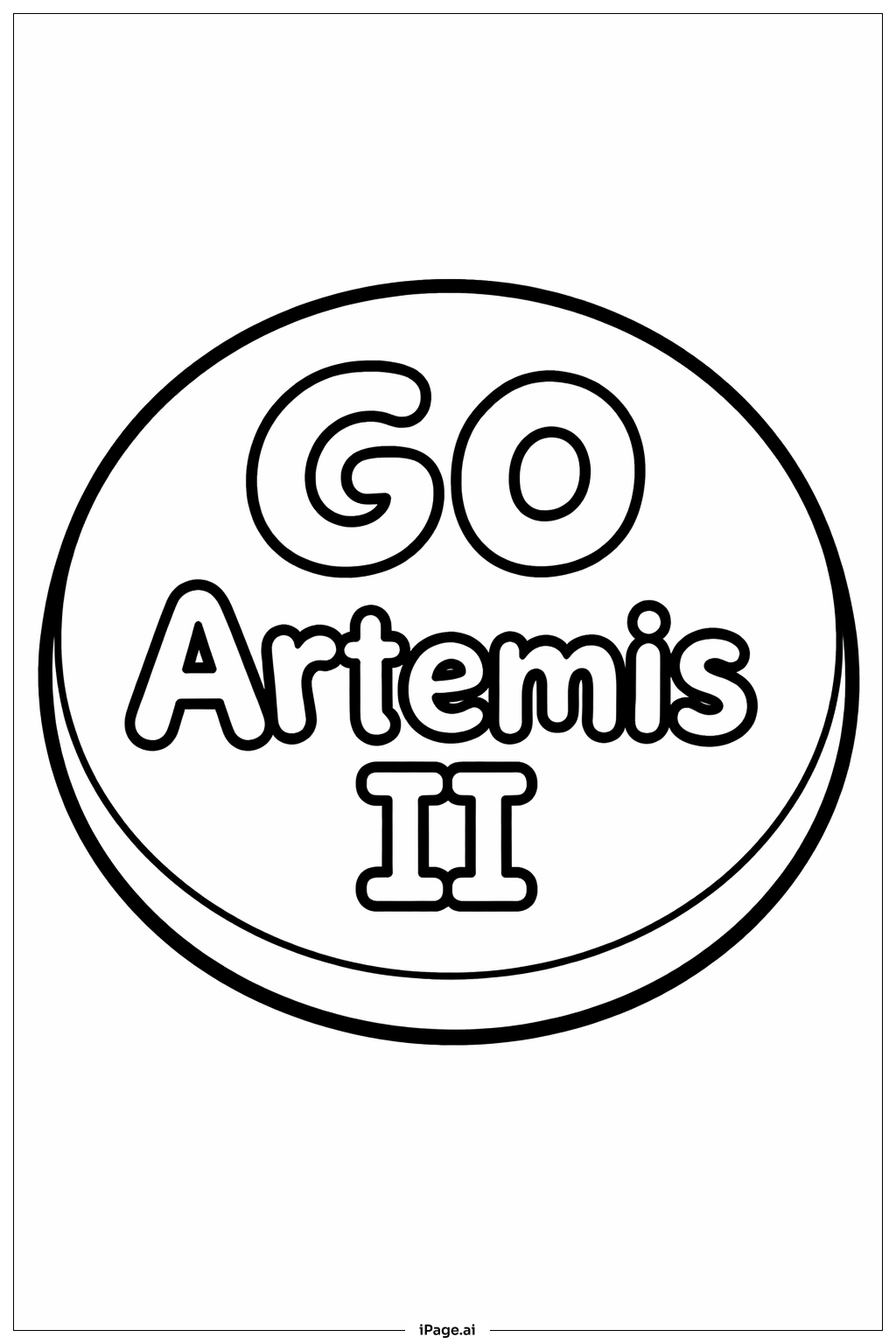
Coloring tips: How to color Artemis II Countdown Button coloring page well?
Start with the background of the button using deep navy blue or black to capture the feeling of outer space. Use bright orange or red for the countdown numbers to make them pop with urgency and excitement. The outer ring looks great in metallic silver or gold, giving it a high-tech, official feel. Add touches of white or pale yellow to the stars and radiating lines to create a glowing effect. The rocket motifs can be colored in classic white and gray, with small flame accents in orange and yellow. Use NASA-inspired red, white, and blue for any lettering or patriotic details. Feel free to add your own galaxy colors like purple and teal in the background areas to make the design feel cosmic and unique. Light pencil strokes work well for blending colors smoothly on the circular shapes.
Coloring challenges: Which parts are difficult to color and need attention for Artemis II Countdown Button coloring page?
• Circular Border Precision: The outer ring of the button contains fine decorative details and text that run along a curved path. Staying inside these narrow curved sections without smudging or overlapping requires a sharp pencil or thin marker. Take your time and rotate the page as you work around the circle to keep your hand at a comfortable angle.
• Small Countdown Numerals: The countdown digits at the center of the button are bold but surrounded by tight detail lines. Coloring inside the numeral shapes cleanly while keeping the surrounding areas a contrasting color can be tricky, especially for younger colorists. Using a fine-tipped tool for the edges first and then filling in larger areas helps maintain clean boundaries.
• Radiating Lines and Geometric Shapes: The starburst and radiating line patterns create many small, wedge-shaped sections that alternate in direction. Each section may call for a slightly different shade to show depth and movement. Keeping the color transitions consistent across all these segments takes patience and planning before you begin.
• Rocket and Star Motifs: The small rocket and star icons scattered around the design have tiny interior details. These are some of the hardest areas to color neatly. A very fine-tipped colored pencil or gel pen works best here. If the space is too small, a single well-chosen color for the whole motif is perfectly acceptable.
• Balancing Light and Dark Tones: The overall design relies on contrast between the dark space background and the bright mission elements. Achieving that balance without making the image feel too heavy or too washed out requires thoughtful color choices across the entire composition.
Benefits of coloring books: Advantages of drawing Artemis II Countdown Button coloring page
Coloring the Artemis II Countdown Button page offers a wonderful mix of fun and learning. As you fill in the rocket shapes, stars, and countdown numbers, you naturally build focus and concentration. Staying inside the lines of curved and geometric shapes strengthens fine motor skills, which are important for writing and other everyday tasks.
This page also sparks curiosity about space exploration. Kids who color it often start asking questions about rockets, astronauts, and what it means to count down to a launch. That curiosity can lead to reading, research, and a lifelong love of science.
For older kids and teens, the detailed geometric patterns offer a satisfying challenge. Planning a color scheme and executing it across a complex circular design builds problem-solving skills and creative thinking. Choosing which colors represent energy, technology, and the cosmos encourages personal expression.
For adults, the repetitive motion of coloring is a well-known stress reliever. Focusing on a detailed, mission-themed design gives the mind a gentle break from everyday worries while still feeling productive and engaging.
Coloring this page is also a great activity to share. Parents and children can work on it together, sparking conversations about NASA, the Artemis program, and the excitement of human space travel. It turns a simple coloring sheet into a memorable learning experience for the whole family.