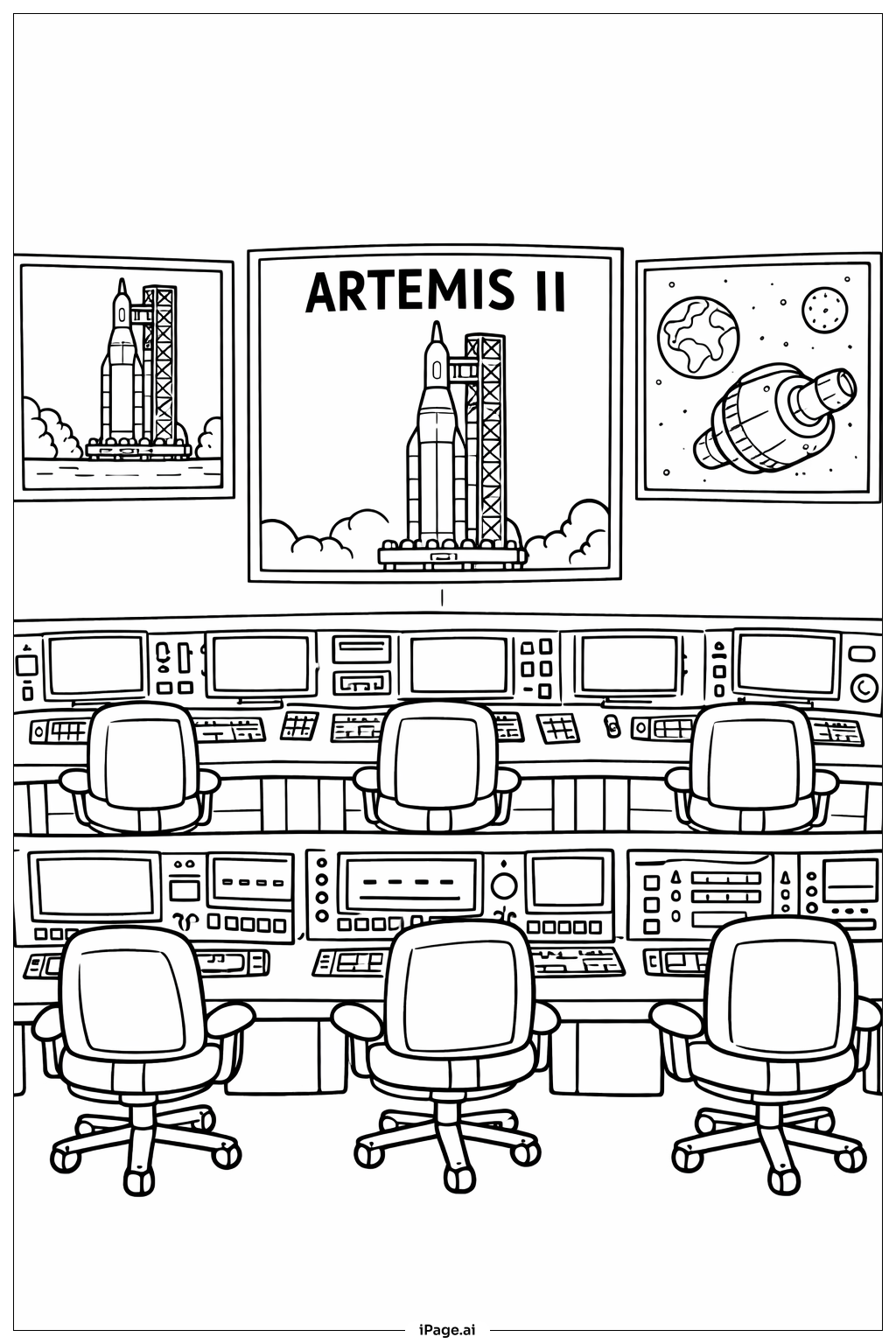
Coloring tips: How to color Artemis II Control Room coloring page well?
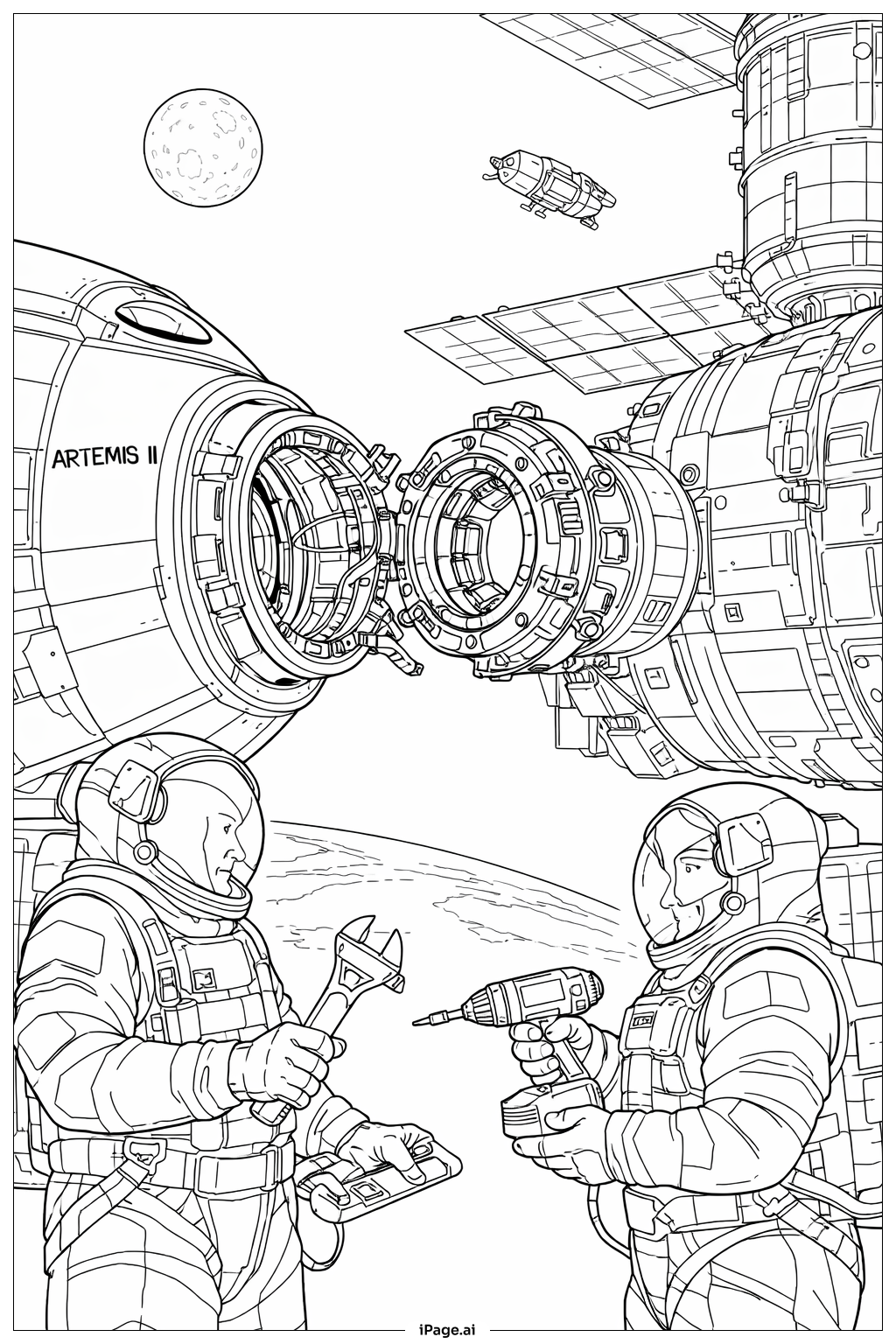
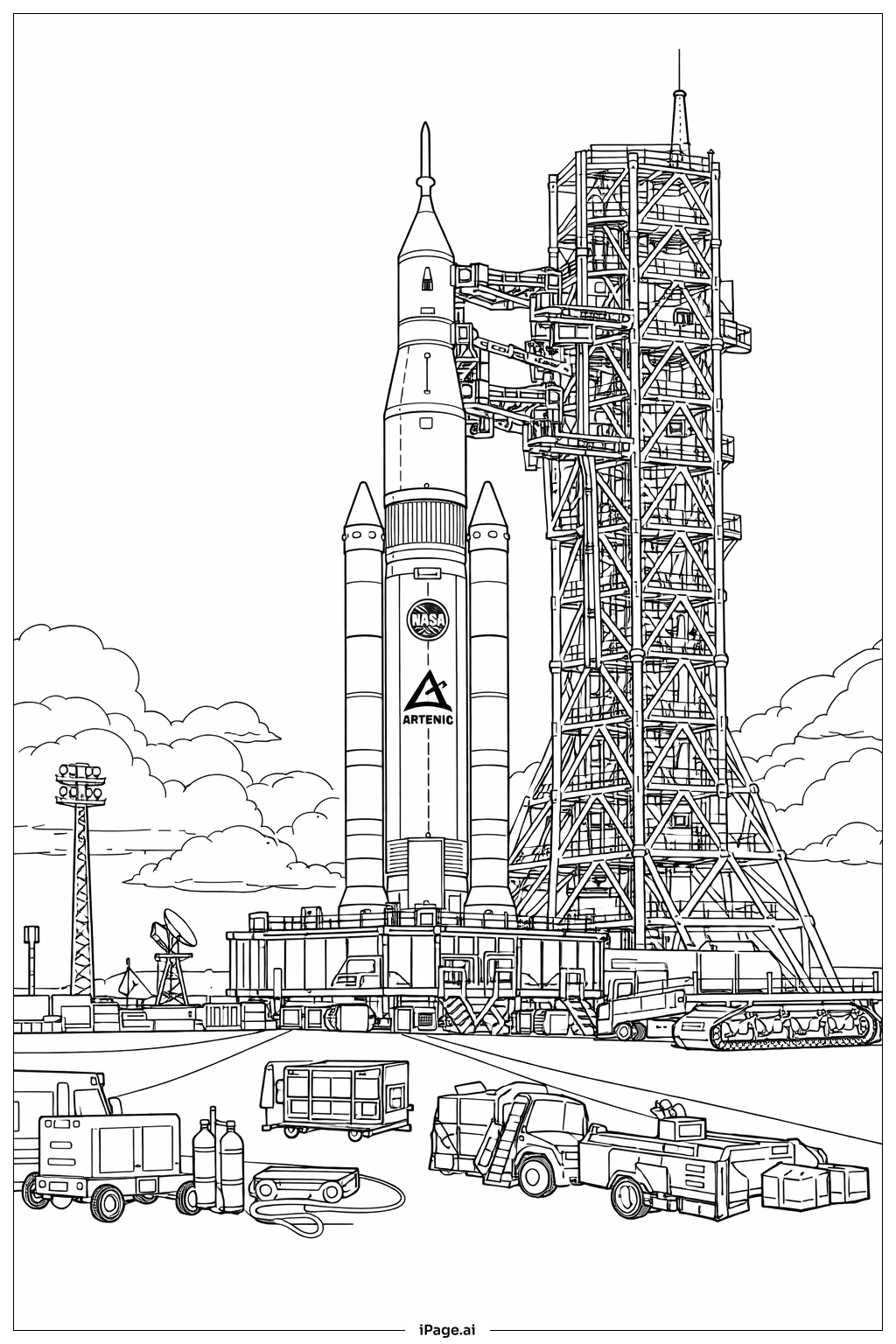
Use bright colors for the rockets and spaceships to make them stand out. You can color the rockets white, gray, or silver. The space background on the right monitor can be dark blue or black with white stars. Use different colors for each computer screen and buttons to make them look lively. The chairs can be colored any fun color like red, blue, or green. For the walls and desks, use lighter colors like light gray or light blue to keep the picture balanced.
Coloring challenges: Which parts are difficult to color and need attention for Artemis II Control Room coloring page?
1. The many small buttons and keyboards on the control panels can be hard to color because of their tiny size.
2. The chairs have many parts like wheels, armrests, and a pump, which might be difficult to color neatly.
3. The three big monitors have different images and require careful coloring to keep each picture clear.
4. The rocket and spaceship have detailed shapes that need precise coloring.
5. Coloring the space scene with stars and planets might require attention to detail to make it look realistic.
Benefits of coloring books: Advantages of drawing Artemis II Control Room coloring page
Coloring this control room picture helps kids learn about space missions and technology. It improves concentration by focusing on small details like buttons and screens. It also develops fine motor skills because of the many tiny parts to color. Children can use their imagination when choosing colors for rockets and space scenes. Finally, it encourages interest in space exploration and science.