Coloring tips: How to color Mouse Inventor Workshop coloring page well?
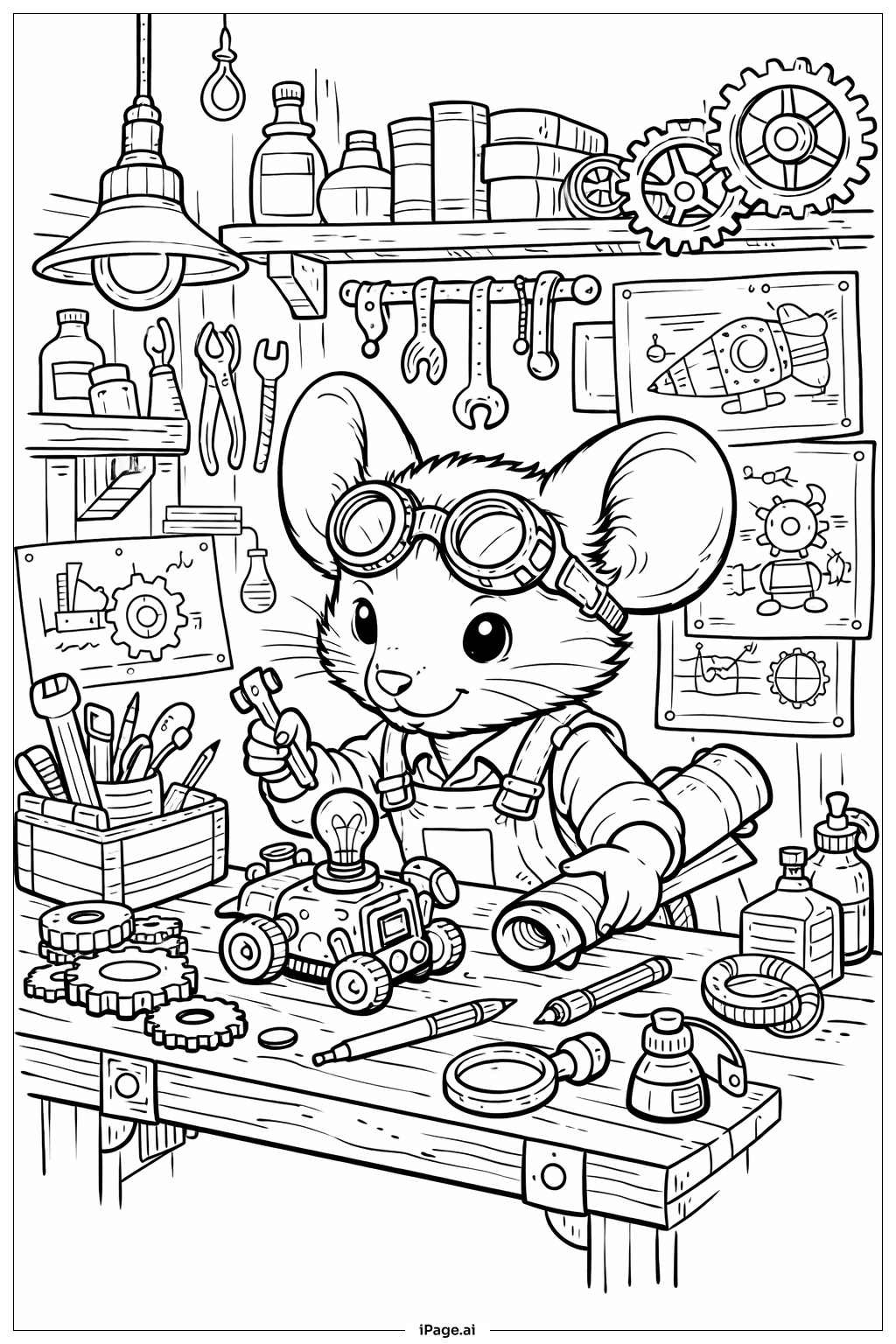
For the mouse inventor, try warm browns or grays for the fur, with a pink nose and inner ears. The inventor's goggles can be brass or copper with blue or green lenses. Color the work apron in earthy tones like tan, blue denim, or red. For the workshop tools, use metallic silvers and grays for wrenches and screwdrivers, with golden brass tones for gears and springs. The workbench can be rich wooden browns, while blueprints work well in light blue with dark blue lines. Add pops of color to jars and bottles on the shelves using reds, greens, purples, and yellows. The background walls could be warm beige or light gray to make the details stand out. Don't forget to add rust orange touches to older tools for realism.
Coloring challenges: Which parts are difficult to color and need attention for Mouse Inventor Workshop coloring page?
• Small Mechanical Details: The workshop contains numerous tiny components like screws, springs, gears, and small tools that require careful coloring within tight spaces. Young artists may find it challenging to stay within the lines of these intricate mechanical parts, especially when adding metallic shading effects to create dimension.
• Overlapping Workshop Elements: The busy workshop scene features many overlapping objects including tools hanging on walls, items on shelves, and scattered supplies on the workbench. Distinguishing where one object ends and another begins can be tricky, requiring careful observation and strategic color choices to maintain visual separation between elements.
• Texture Differentiation: This image includes various materials that benefit from different coloring techniques including metal tools, wooden workbench, glass jars, fabric apron, and soft fur on the mouse. Creating distinct textures through coloring pressure, blending, or shading patterns requires skill and experimentation to make each material look authentic.
• Shading for Depth: To bring the three-dimensional workshop to life, artists need to consider light sources and add appropriate shadows and highlights. Determining which areas should be darker (under the workbench, behind objects) and which should be lighter (tops of tools, mouse's face) adds complexity but creates realistic dimension in the final artwork.
Benefits of coloring books: Advantages of drawing Mouse Inventor Workshop coloring page
Coloring this Mouse Inventor Workshop page offers wonderful developmental benefits for children. It encourages creativity and imagination as kids envision what inventions the mouse might create, fostering innovative thinking. The intricate details help develop fine motor skills and hand-eye coordination as children carefully color small mechanical parts and workshop tools. This scene introduces STEM concepts in a fun way, sparking curiosity about how things work and inspiring interest in science and engineering. The busy workshop setting promotes focus and concentration as young artists work through the many elements. It also teaches organizational skills as children decide which colors work best for different materials and objects. The accomplishment of completing such a detailed scene builds confidence and patience, while the charming mouse character makes learning enjoyable and accessible for all skill levels.