Coloring tips: How to color Minecraft Pig coloring page well?
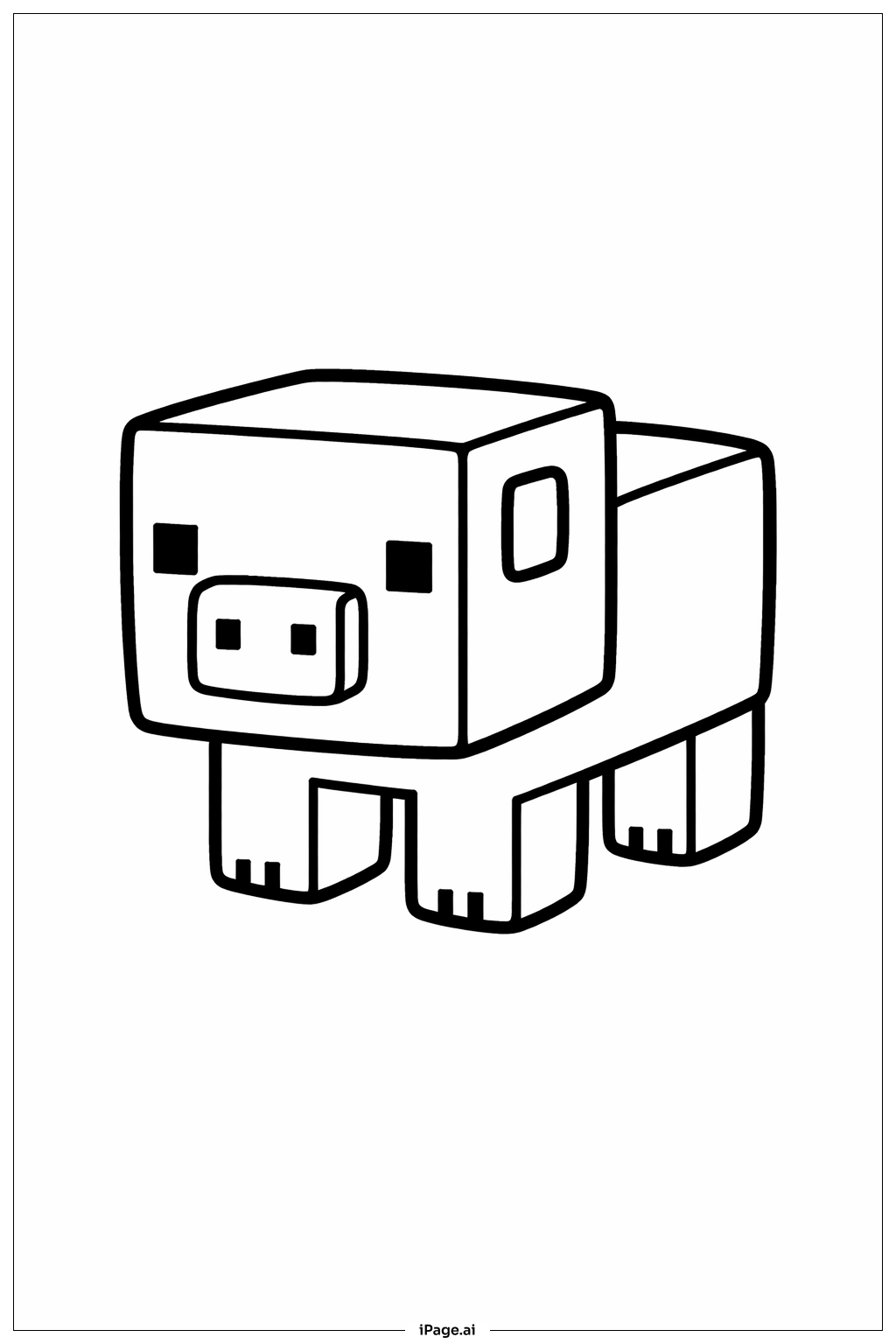
For coloring this Minecraft pig, use shades of pink as the main color. You can use light pink for the body and a slightly darker pink for the snout and ears. Black or dark brown can be used for the eyes. Try to color the legs and body evenly to keep the blocky shape clear. Feel free to add some shading to make the pig look more 3D, especially on the edges and corners. You can also color the background with green to show grass or brown to show dirt, making the pig stand out nicely.
Coloring challenges: Which parts are difficult to color and need attention for Minecraft Pig coloring page?
1. Maintaining even coloring on large block shapes can be tricky and may require patience.
2. Coloring inside the small squares like the eyes and nostrils needs careful attention to avoid going outside the lines.
3. Adding shading on the cube edges to make the pig look three-dimensional can be challenging for beginners.
4. Keeping the colors blended smoothly on the flat surfaces without streaks may require some practice.
5. Ensuring the legs' small toes stay neat and colored accurately can be difficult due to their size.
Benefits of coloring books: Advantages of drawing Minecraft Pig coloring page
Coloring this Minecraft pig helps improve fine motor skills by requiring careful control inside small areas. It also encourages creativity when choosing different pink shades and background colors. The simple blocky shapes make it easy for young kids to focus on coloring within lines, while older children can practice adding shading. This activity promotes patience and concentration. By coloring a familiar game character, children feel connected and motivated to finish the picture.