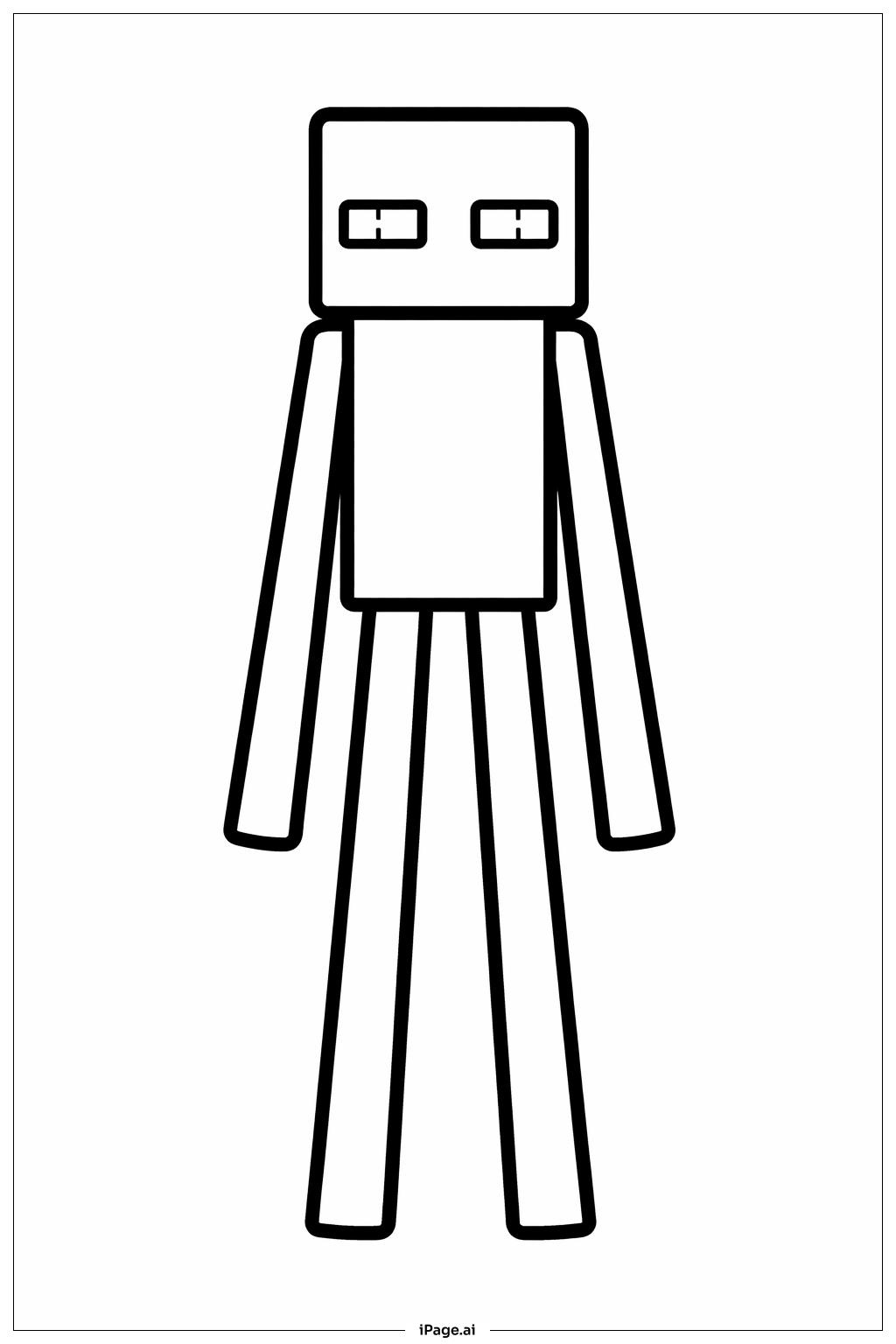
Coloring tips: How to color Minecraft Enderman Silhouette coloring page well?
Start by filling the Enderman's body with a very dark purple or deep black color. This gives it that mysterious, shadowy look from the game. Use a bright purple or vivid violet for the glowing eyes to make them pop against the dark body. You can add hints of dark blue or dark gray along the edges of the body to show dimension and depth. For the background, try deep blues, dark purples, or even black to match the spooky End dimension feel. If you want the image to stand out more, use a slightly lighter shade of purple or gray for the block outlines on the body. Kids can also experiment with neon purple or electric blue for the eyes to make them look extra glowy. Keep the overall color palette dark and moody to stay true to the Enderman's scary and mysterious vibe in Minecraft.
Coloring challenges: Which parts are difficult to color and need attention for Minecraft Enderman Silhouette coloring page?
• Staying Inside the Thin Limbs: The Enderman has very long, narrow arms and legs. Coloring inside these slim shapes without going outside the lines is tricky, especially for younger kids. Use a fine-tipped marker or a sharpened colored pencil to carefully fill in these areas without making a mess outside the edges.
• Achieving a Smooth Dark Background: Filling in a large dark background evenly can be challenging. Crayons or colored pencils may leave streaks or uneven patches. Try using broad, consistent strokes in one direction, or switch to markers for a smoother finish. Building up layers gradually also helps create a rich, deep tone.
• Creating a Glowing Eye Effect: The Enderman's eyes should look like they are glowing, which is hard to show in a coloring page. One approach is to color the eyes with a bright purple or white center and gradually blend into a deeper violet around the edges. Adding a faint lighter halo around the eye area can help simulate a glow effect.
• Handling the Pixelated Block Details: The Minecraft style uses small square blocks to form shapes. Coloring each individual block segment neatly and consistently requires patience and a steady hand. Try using a ruler to keep your strokes aligned within each block section for a clean, game-accurate look.
• Balancing Dark Tones Without Losing Details: When working mostly with dark colors, it is easy to lose the outlines and inner details of the figure. Use slightly different shades of dark purple, charcoal, and navy blue to differentiate various parts of the body while keeping the overall silhouette look intact.
Benefits of coloring books: Advantages of drawing Minecraft Enderman Silhouette coloring page
Coloring this Minecraft Enderman Silhouette page offers a range of fun and meaningful benefits for kids and fans of the game. First, it helps build fine motor skills. Carefully coloring the Enderman's long, thin limbs and detailed block shapes trains hand-eye coordination and pencil control. Second, it encourages creativity. Kids get to choose their own color combinations and decide how to bring this iconic character to life, which sparks imaginative thinking. Third, it deepens connection to the Minecraft world. Recreating a beloved game character through art helps kids engage more meaningfully with something they already love, making the activity feel rewarding and personal. Fourth, it promotes focus and patience. Filling in dark, detailed areas and maintaining consistent color throughout the page requires concentration, which helps children practice staying on task. Fifth, it provides a calming, screen-free activity. Coloring is a great way for kids to relax and unwind without staring at a screen, supporting emotional balance and mindfulness. Overall, this Coloring Pages page is a fantastic blend of fun, creativity, and skill-building for Minecraft fans of all ages.