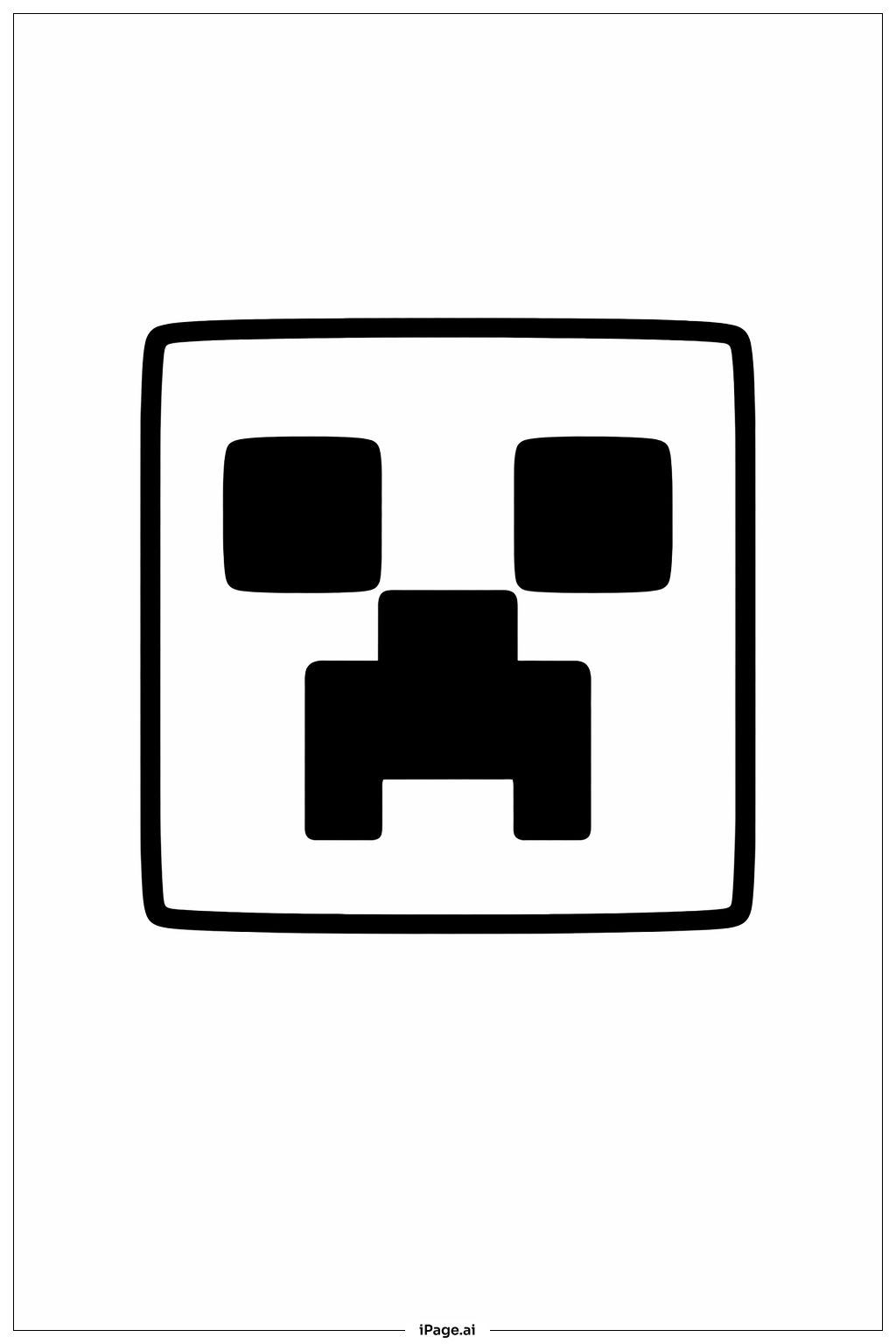
Coloring tips: How to color Minecraft Creeper Face coloring page well?
The classic Creeper uses various shades of green as its signature color. Start with a light lime green for the base areas of the face, then use darker forest green for the eye sockets and mouth to create depth. Medium green tones work well for the middle sections. You can add subtle shading by blending different green tones together, making some squares slightly darker than others to create a mottled, textured appearance. For a creative twist, try experimenting with blues, purples, or even rainbow colors while maintaining the darker tones for the facial features. Consider using colored pencils for smooth gradients or markers for bold, vibrant blocks of color that match the pixelated style.
Coloring challenges: Which parts are difficult to color and need attention for Minecraft Creeper Face coloring page?
• Grid Precision: The pixelated grid structure requires careful attention to stay within the lines of each individual square. Young colorists may find it challenging to color each block neatly without crossing into adjacent squares, especially in areas where multiple small squares meet at corners.
• Color Consistency: Maintaining uniform color within each square block while ensuring variation across different squares can be tricky. It requires steady hand control to fill each pixel-shaped section completely without leaving white gaps or creating streaks, particularly when using markers or crayons.
• Shading and Depth: Creating a three-dimensional effect on a flat, geometric face takes planning. Deciding which squares should be darker or lighter to suggest depth and shadow requires understanding of light sources and spatial relationships, which can be complex for younger children.
• Facial Feature Definition: The eyes, nose, and mouth need darker, more intense coloring to stand out from the rest of the face. Balancing the contrast between these features and the background squares while keeping the overall design cohesive requires careful color selection and application pressure control.
Benefits of coloring books: Advantages of drawing Minecraft Creeper Face coloring page
Coloring this Minecraft Creeper face helps children develop fine motor skills through precise coloring within small geometric squares. The grid pattern naturally teaches spatial awareness and planning as kids decide which colors to use for each block. This image connects to something children love, making the coloring experience more engaging and meaningful. The repetitive nature of filling individual squares can be calming and meditative, helping with focus and concentration. Kids practice color theory by experimenting with different shades of green or trying creative color combinations. The pixelated design also reinforces pattern recognition and symmetry awareness, as children notice how the face is constructed from simple shapes arranged in a specific order.