Coloring tips: How to color Among Us At Navigation Console coloring page well?
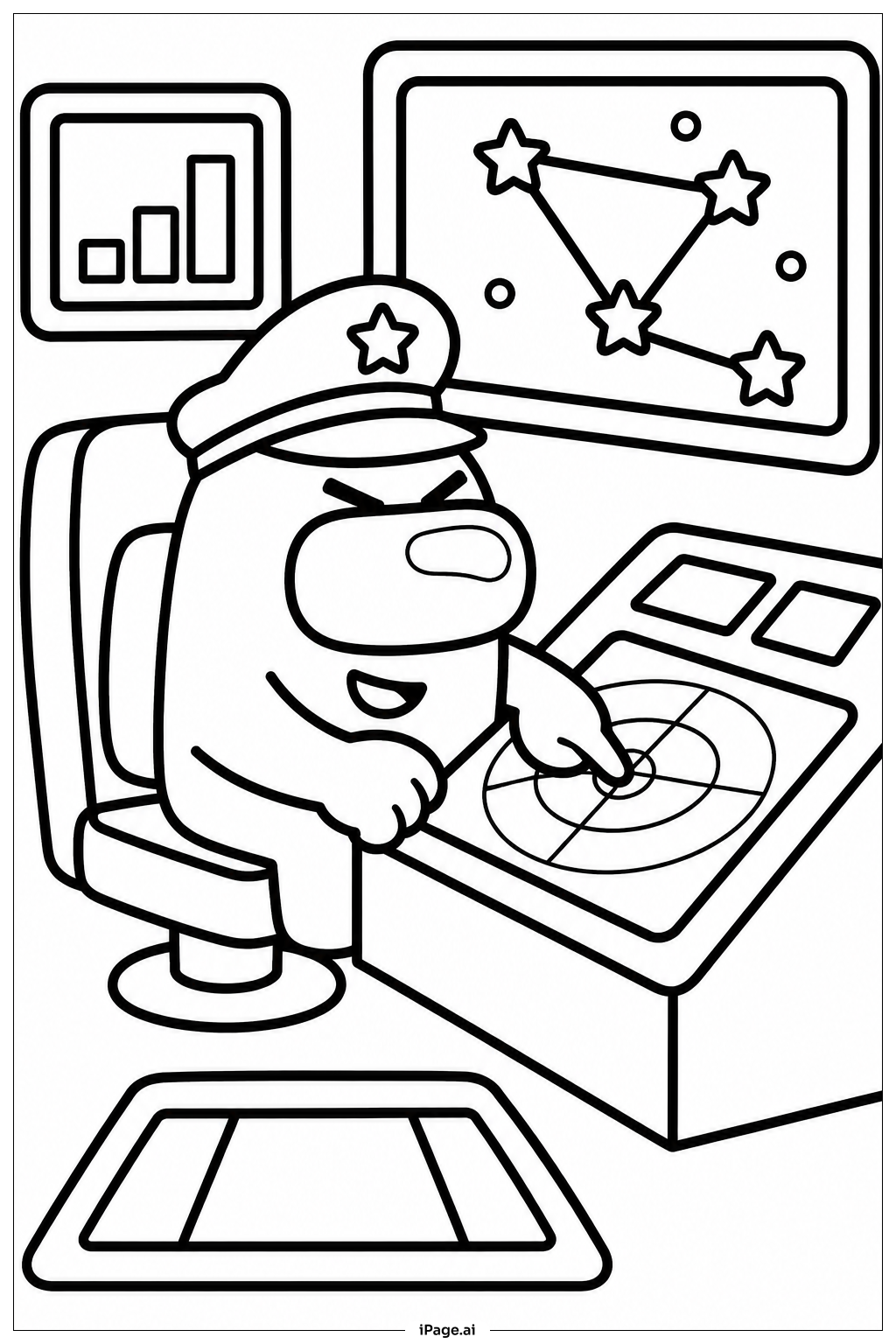
Start with the crewmate's suit. Pick a bold color like red, blue, or purple to make it pop. Use a slightly darker shade of the same color for the backpack and suit details. Color the visor a shiny light blue or silver to give it a glassy look. For the navigation console, use dark gray or black as the base, then add bright colors like green, yellow, and orange for the buttons and blinking lights. The screens can be colored in soft blue or green to look like glowing displays. Use deep blue or black for the space background, and add white or yellow dots for stars. A bright circle of yellow or orange works great for a distant planet or sun. Keep your colors neat inside the bold outlines for a clean, polished finish.
Coloring challenges: Which parts are difficult to color and need attention for Among Us At Navigation Console coloring page?
• **Small console details:** The navigation console is packed with tiny buttons, switches, and screen displays. Coloring each one separately without going outside the lines takes a steady hand and a sharp colored pencil or fine-tipped marker. Young colorists may find this section the most time-consuming part of the page.
• **The crewmate's visor:** The large round visor needs careful shading to look shiny and glass-like. Blending two or three shades of blue or adding a small white highlight spot can be tricky, especially for beginners who are still learning how to create a glowing or reflective effect.
• **Contrast between the character and the background:** The crewmate sits against a dark space background. Choosing colors that stand out clearly against the dark backdrop — without making the crewmate look flat — requires some thought about light and shadow. Using lighter tones on the front of the suit and darker tones on the sides helps create depth.
• **Screen glow effect:** The console screens are meant to look like they are glowing. Recreating that soft, lit-up look with colored pencils or crayons is a real challenge. Layering a light color first and then adding a slightly darker ring around the edges can help suggest a glow, but it takes patience and practice.
• **Keeping the overall color palette balanced:** With so many elements — the crewmate, the console, the background, and the porthole — it can be easy to use too many colors and make the image look cluttered. Choosing a limited color palette and sticking to it throughout the page is a skill that takes planning.
Benefits of coloring books: Advantages of drawing Among Us At Navigation Console coloring page
Coloring Among Us At Navigation Console is a fun and rewarding activity for kids of all ages. It helps children build fine motor skills as they carefully color inside the bold outlines of the crewmate and the detailed console. Focusing on small areas like buttons and screens also trains hand-eye coordination and attention to detail. Choosing colors for the spacesuit, the glowing screens, and the starry background sparks creativity and encourages kids to think about color combinations. The space theme naturally inspires curiosity about science, planets, and exploration, making this more than just a coloring activity. It can open up conversations about space travel and technology in a playful way. Completing the page also gives children a real sense of accomplishment, which builds confidence and a positive attitude toward creative work. Whether coloring alone or with friends, this page offers a calm and focused activity that helps kids relax and express themselves freely.